Studio
One post at a time. Generate with AI, upload a photo you already have, or edit a draft. Then publish or schedule it.
You are here: Left sidebar: Studio. Also opens when you click a post on Calendar, Queue, or Approvals.
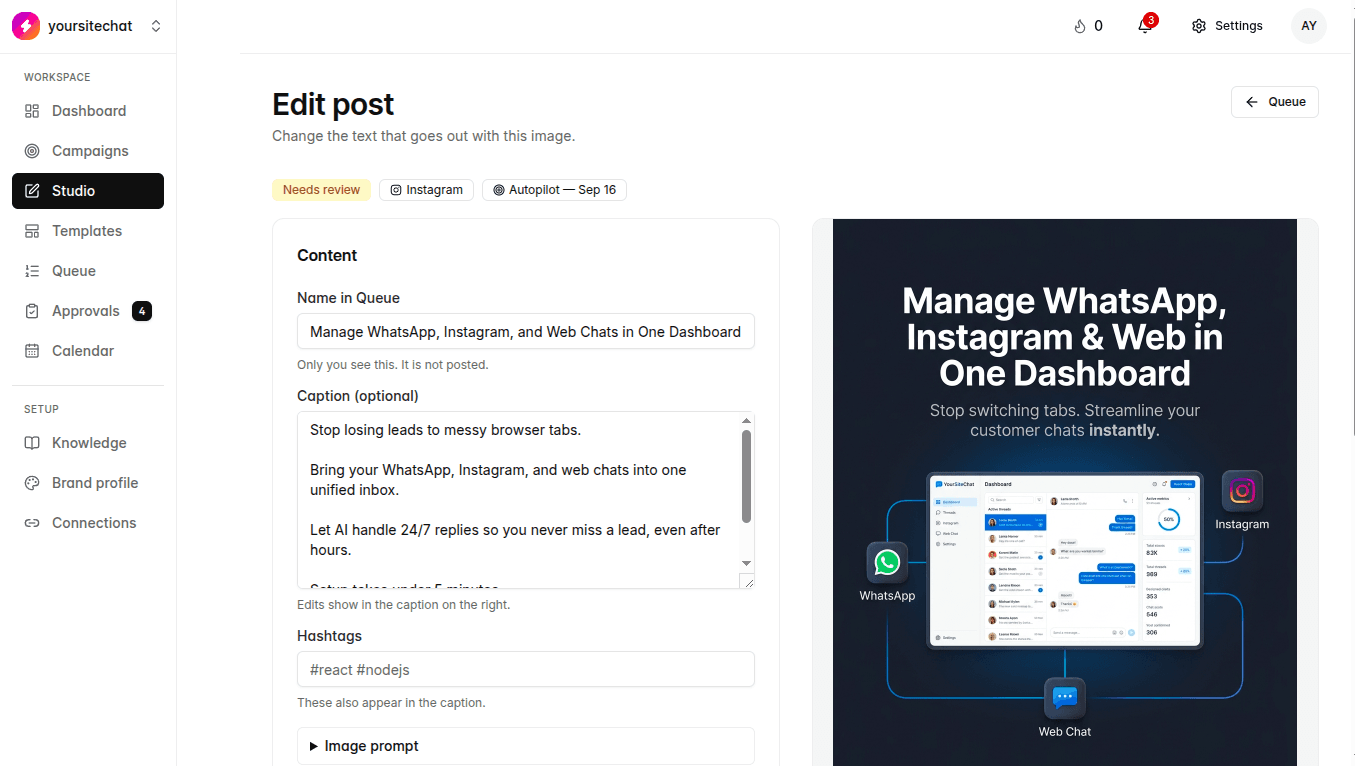
Studio is not only a cleanup desk. You can make a single post here without a campaign. There are two modes at the top: Generate with AI, and Upload your own. You can also open an existing draft, change the caption or image, and send it on.
When to use this
A one-off you want today. A photo from a shoot that should not go through the AI. A draft from Autopilot or a campaign that needs a human pass. Anything that should not wait for a full week plan.
Steps
- 1
Generate with AI
Write a brief, not the finished caption. Pick Image or Carousel, the networks, and optionally a campaign. Generate draft. Each AI image counts against your monthly cap. Carousel slides each count as one. The draft lands as Needs review unless auto-approve is on.
- 2
Upload your own
No AI. Pick a JPEG, PNG, or WebP, write an optional caption, choose Instagram, Facebook, and/or LinkedIn. Approve & schedule, then pick now or a later time. How many you can line up is unlimited. Photo storage for waiting uploads is capped by plan. Details are on Upload and schedule.
- 3
Edit a draft
Open a post from Calendar, Queue, Approvals, or a campaign row. You can rewrite the caption without throwing away the image, swap the creative, and change the networks. Voice still comes from Brand profile and Knowledge. If it keeps sounding off, fix those, then regenerate.
Notes
- Live networks here: Instagram, Facebook, LinkedIn. X is not in Upload your own yet.
- Pick the network the caption is for. Length and tone differ by feed. One generate run can cover more than one network.
- After an AI draft is ready, open it to review. From there you approve and pick a publish time the same way you would for an upload.
- You can attach a post to a campaign, or leave it as a one-off.
What happens if you skip it
If you never open Studio, Autopilot and campaigns can still fill the calendar. You will miss one-offs and any photo you wanted to post as-is.