Organization and teammates
Rename the workspace, add another organization, invite people.
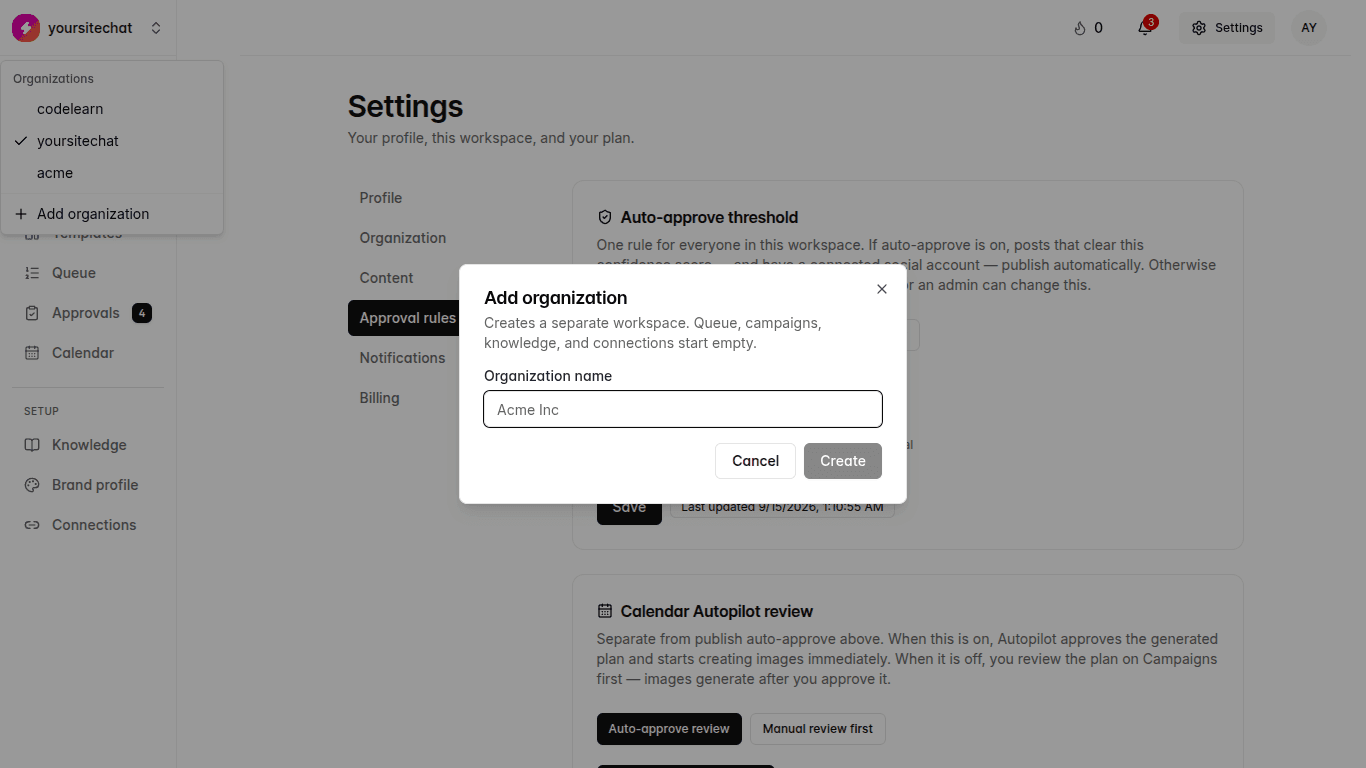
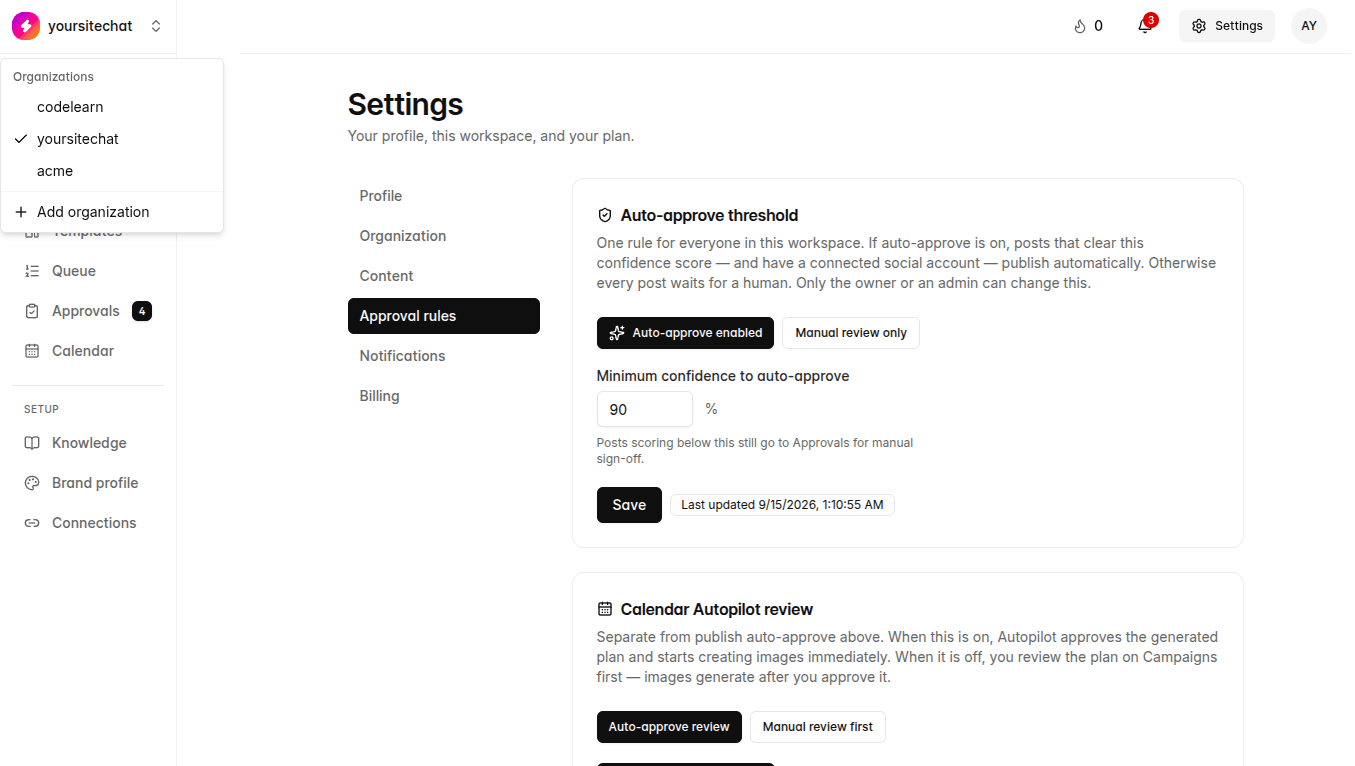
You are here: Settings → Organization. Switcher at the top of the app.
One organization is one brand. Agencies add another organization per client. Knowledge, connections, and calendars do not mix.
Steps
- 1
This workspace
Settings → Organization. Name, details, who is already in.
- 2
Another brand
Use the organization switcher, then add organization. Starter includes 1, Pro 5, Agency 50.
- 3
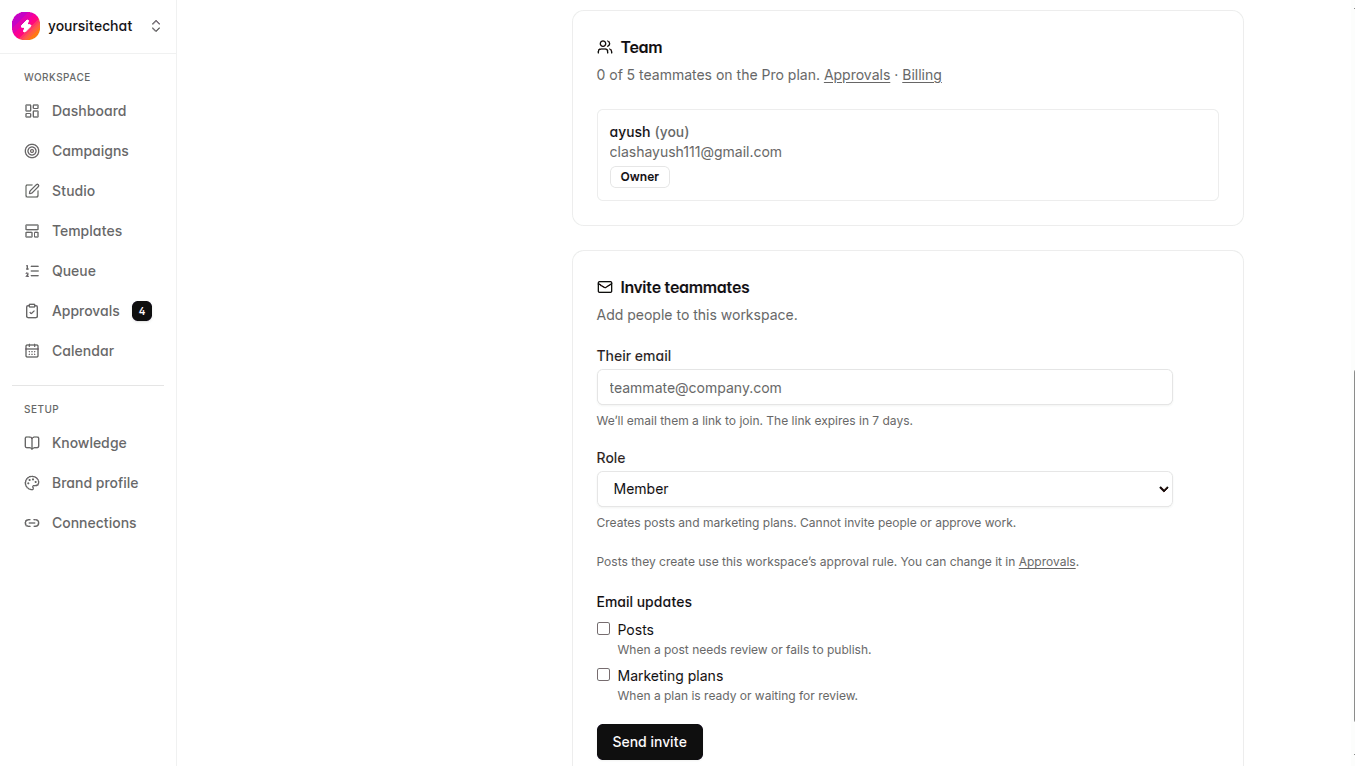
Invite teammates
Send an invite from the org screen. Caps: Starter 2 extra teammates, Pro 5, Agency unlimited. The owner is not counted in that extra seat number.
What happens if you skip it
Solo founders can ignore this after the first org is named.