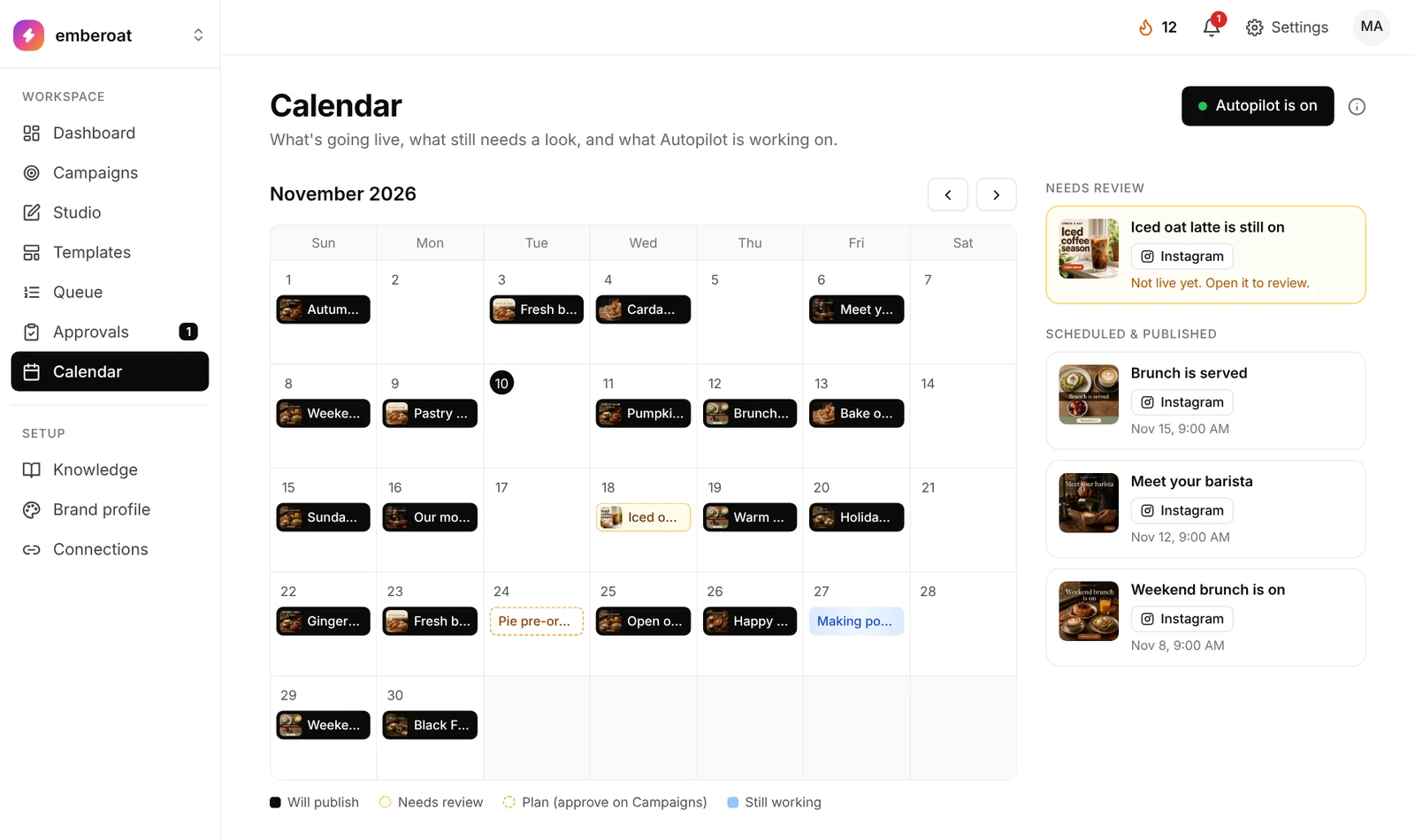
A calendar that fills itself.
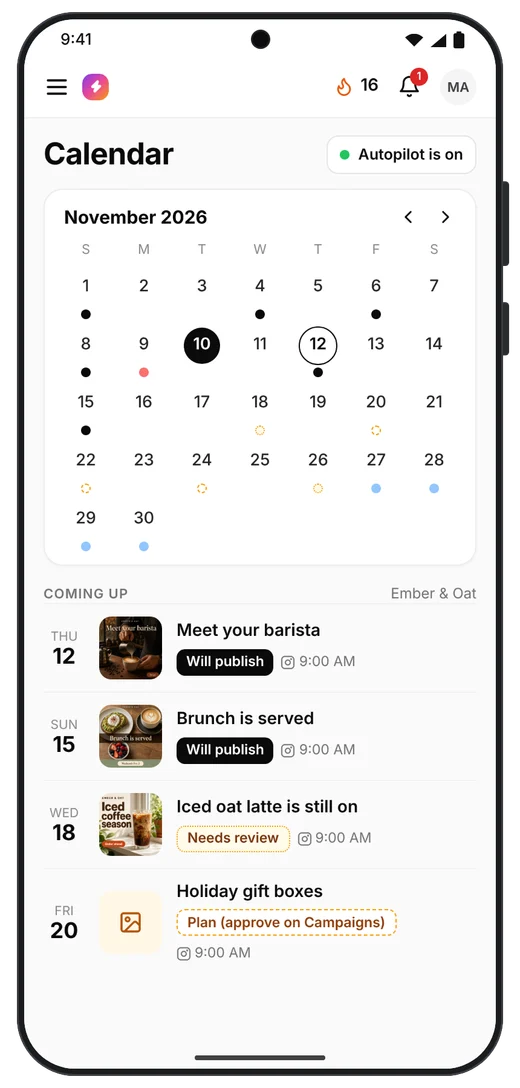
See every post by day: black will publish, amber needs you, and Autopilot keeps filling it.
 TheViralMarketing
Post daily. Skip the busywork.
TheViralMarketing is an AI social media manager that plans, writes, designs and publishes posts to Instagram, Facebook and LinkedIn for small businesses, founders and agencies. Every post waits for your approval unless you turn on auto-approve.
14 days free · no credit card · you approve before anything goes live28 teams posting with TheViralMarketing
Add your offer, audience, voice and rules once. Every post is written from them.
“Push the new plan, 5 posts a week.” Autopilot turns a goal into a campaign, a posting schedule and a month of drafts.
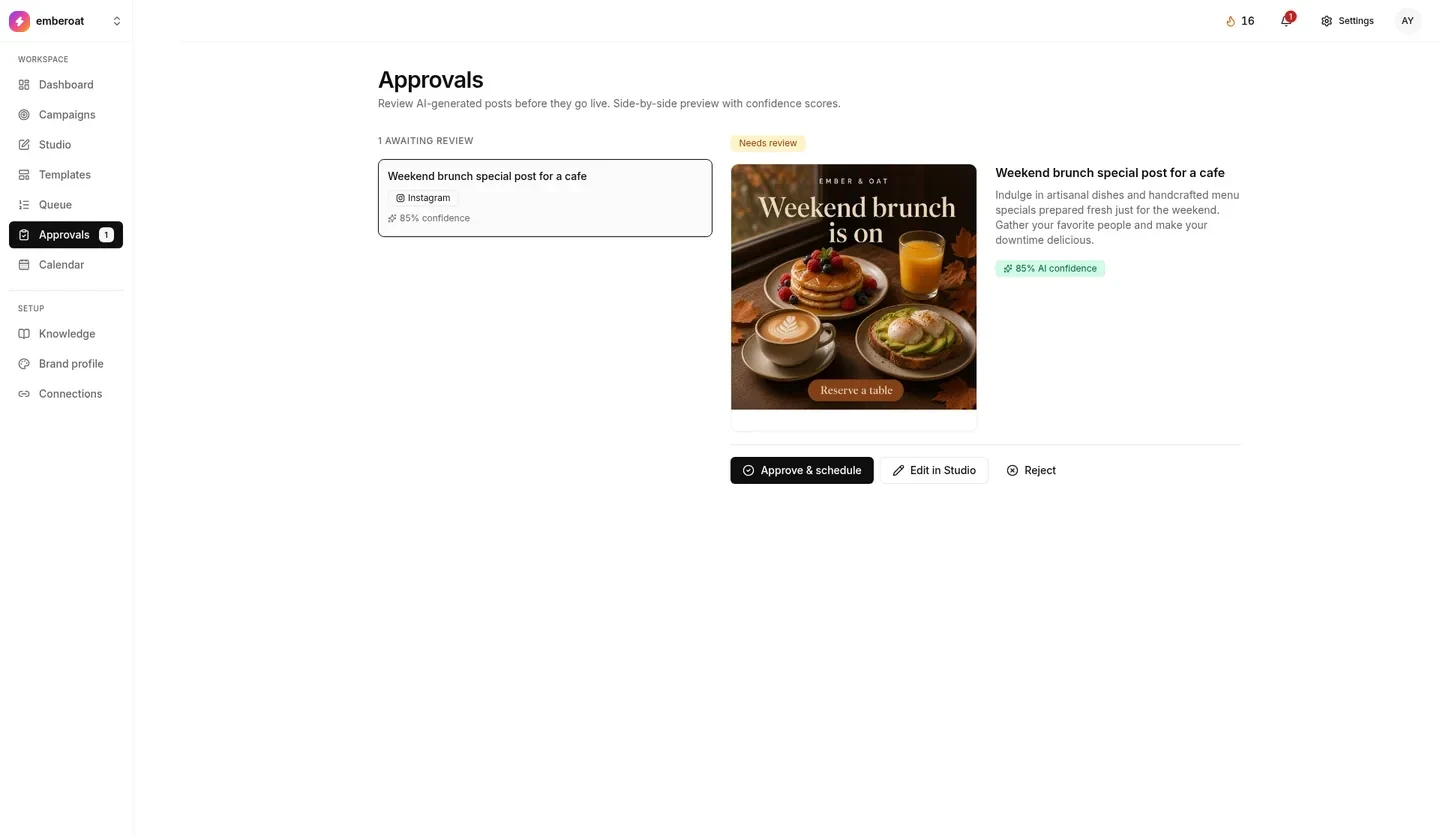
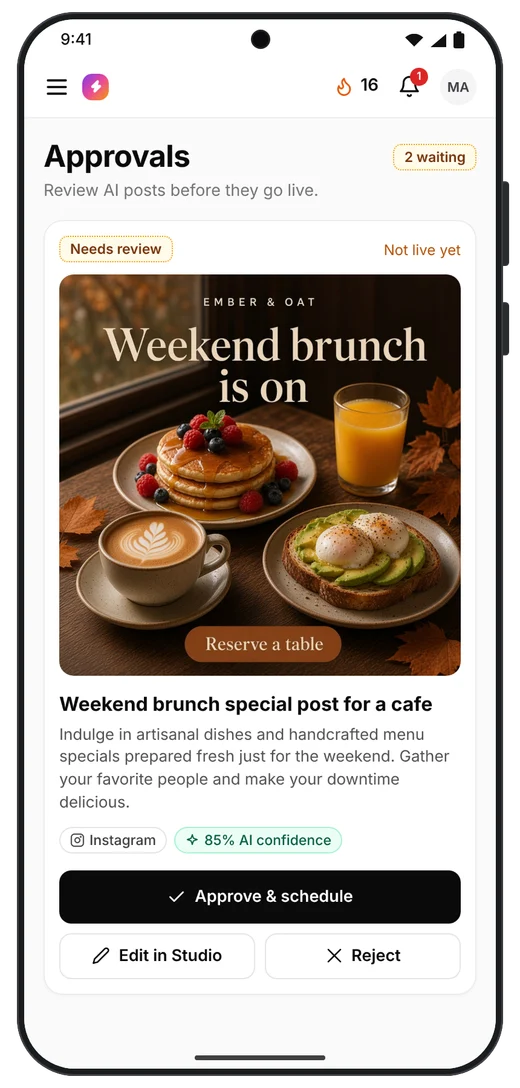
Each post gets a confidence score. Posts below the score you pick wait for you in Approvals.
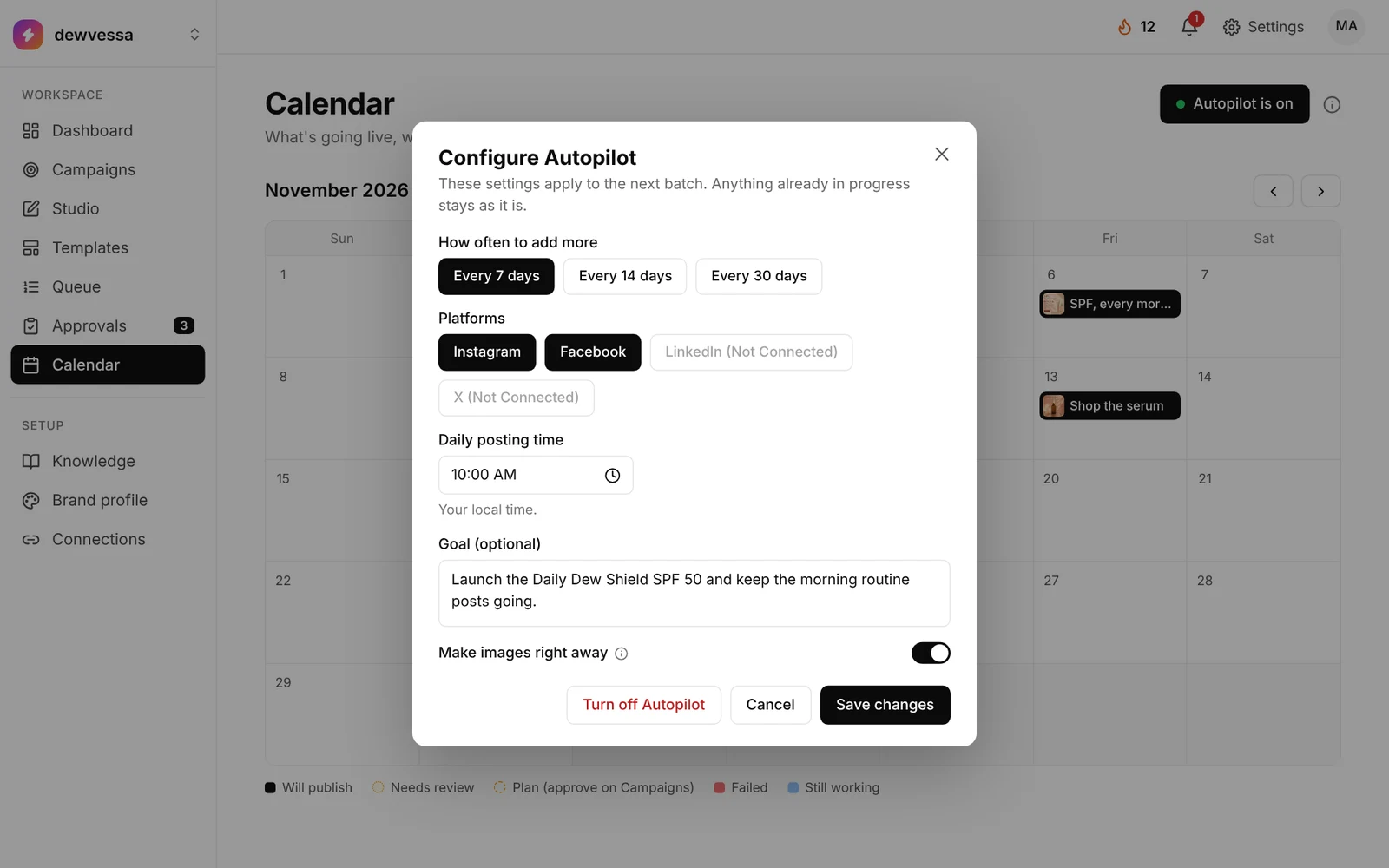
One click, and an empty calendar turns into a month of scheduled, on-brand posts. That’s the AI social media automation platform at work: captions, designed images and a posting time for every day.
The clip above is the calendar filling. Watch the full Autopilot setup on YouTube. It opens in a new tab. The same walkthrough plays on the Autopilot page.
See every post by day: black will publish, amber needs you, and Autopilot keeps filling it.
Pick the lowest score that can post on its own. Everything below waits for you.
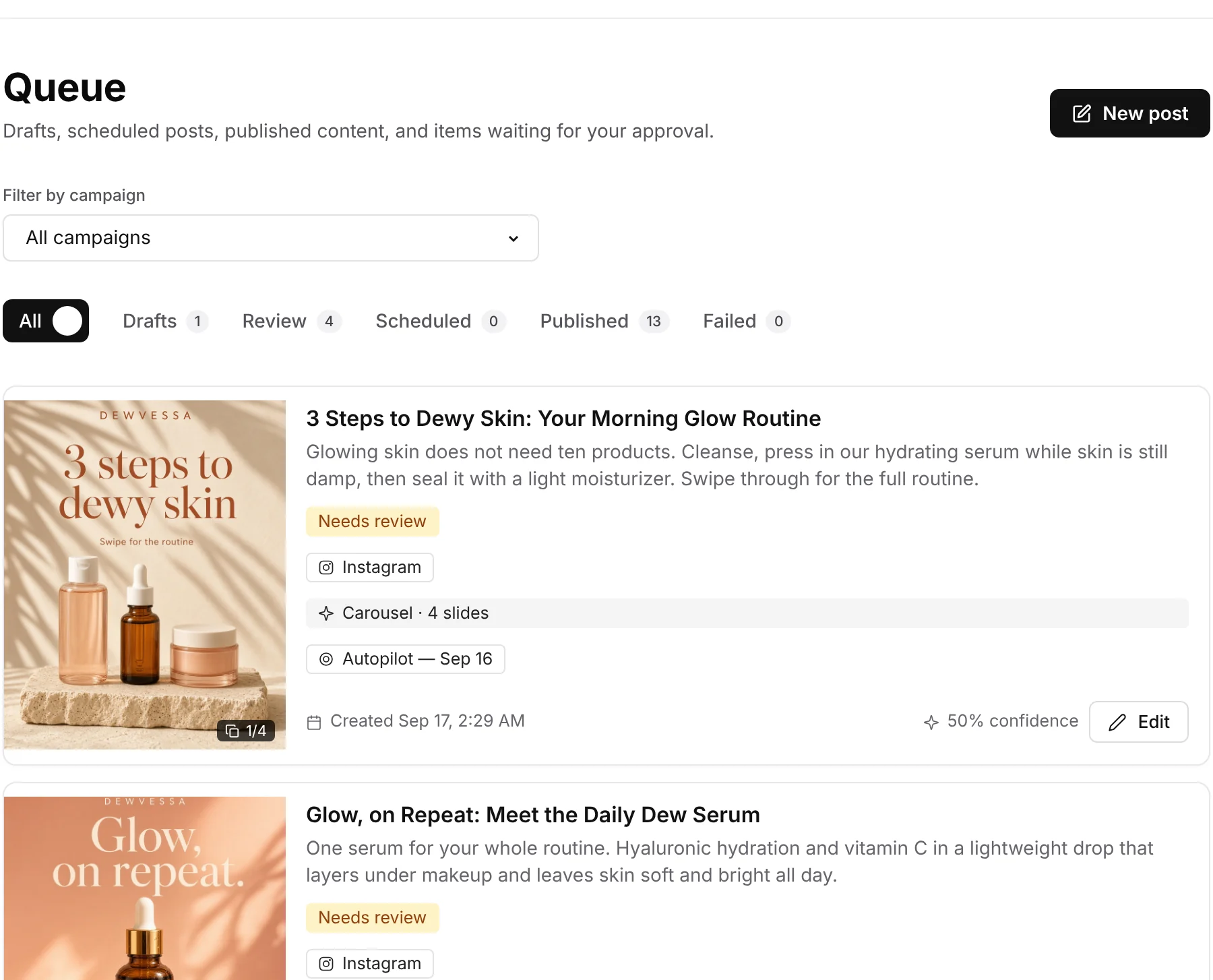
Products, audience, policies, reviews, competitors. A quality score shows what’s missing.
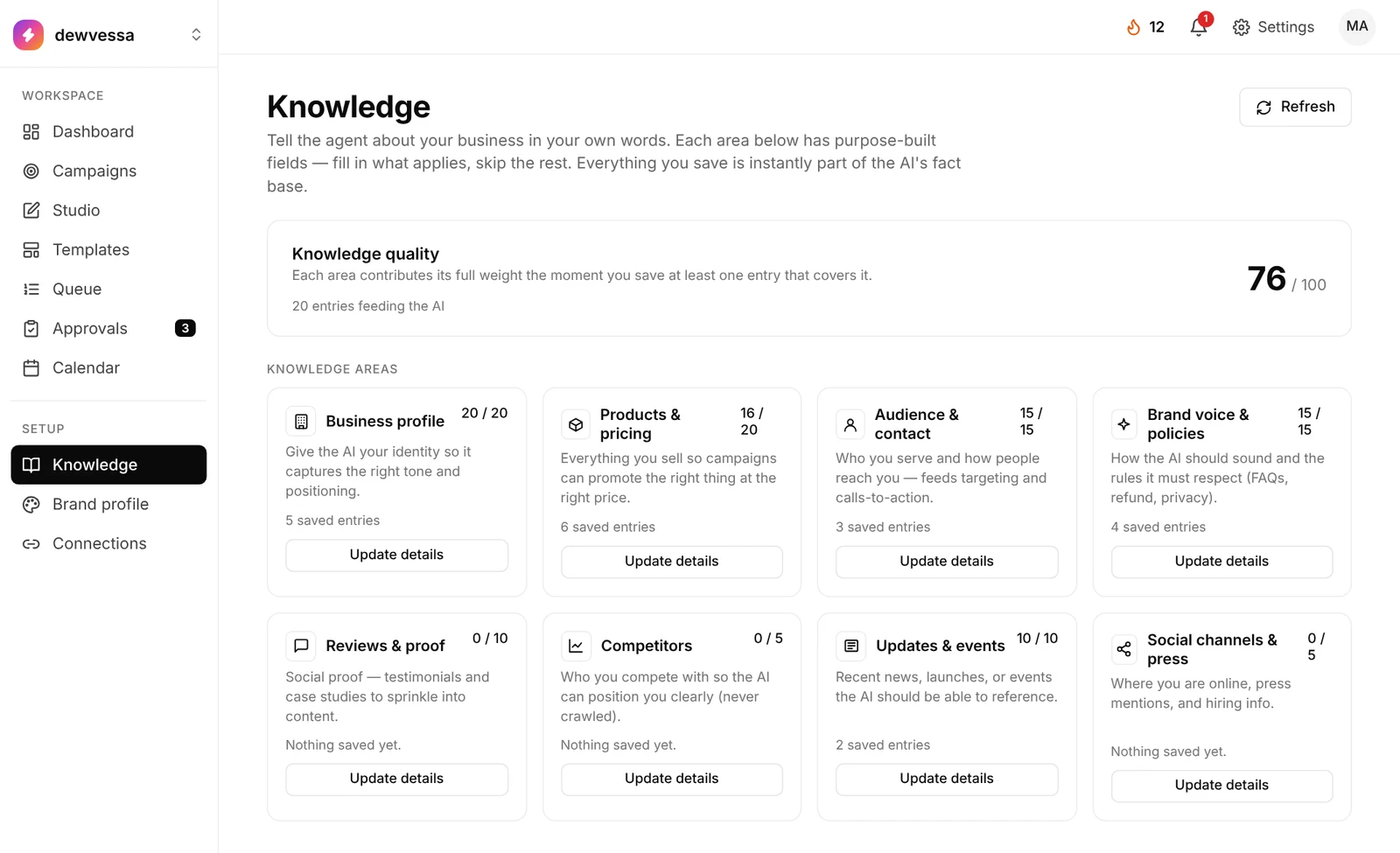
Branded templates and an editor with a live preview. Shown with sample posts.



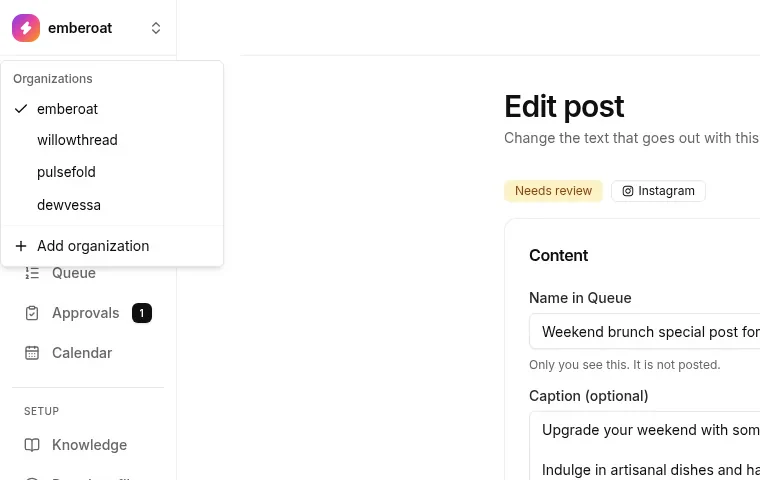
Separate queues, knowledge and connections per brand. Invite teammates.
Want the full tour? Read how the AI social media management tool fits together, or how AI social media automation works step by step.
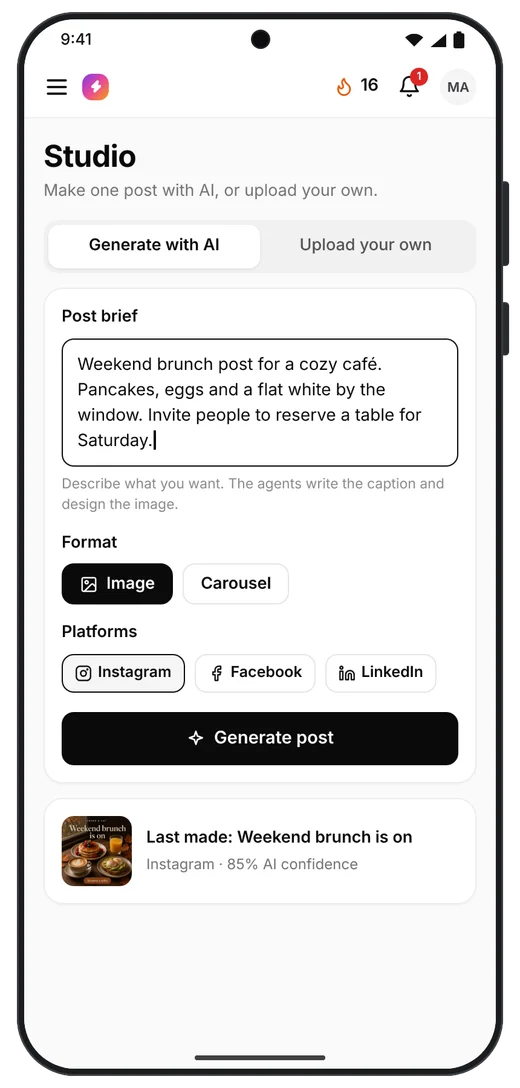
Type what the post is about. TheViralMarketing writes the caption, designs the image and scores it. Then you can edit it.
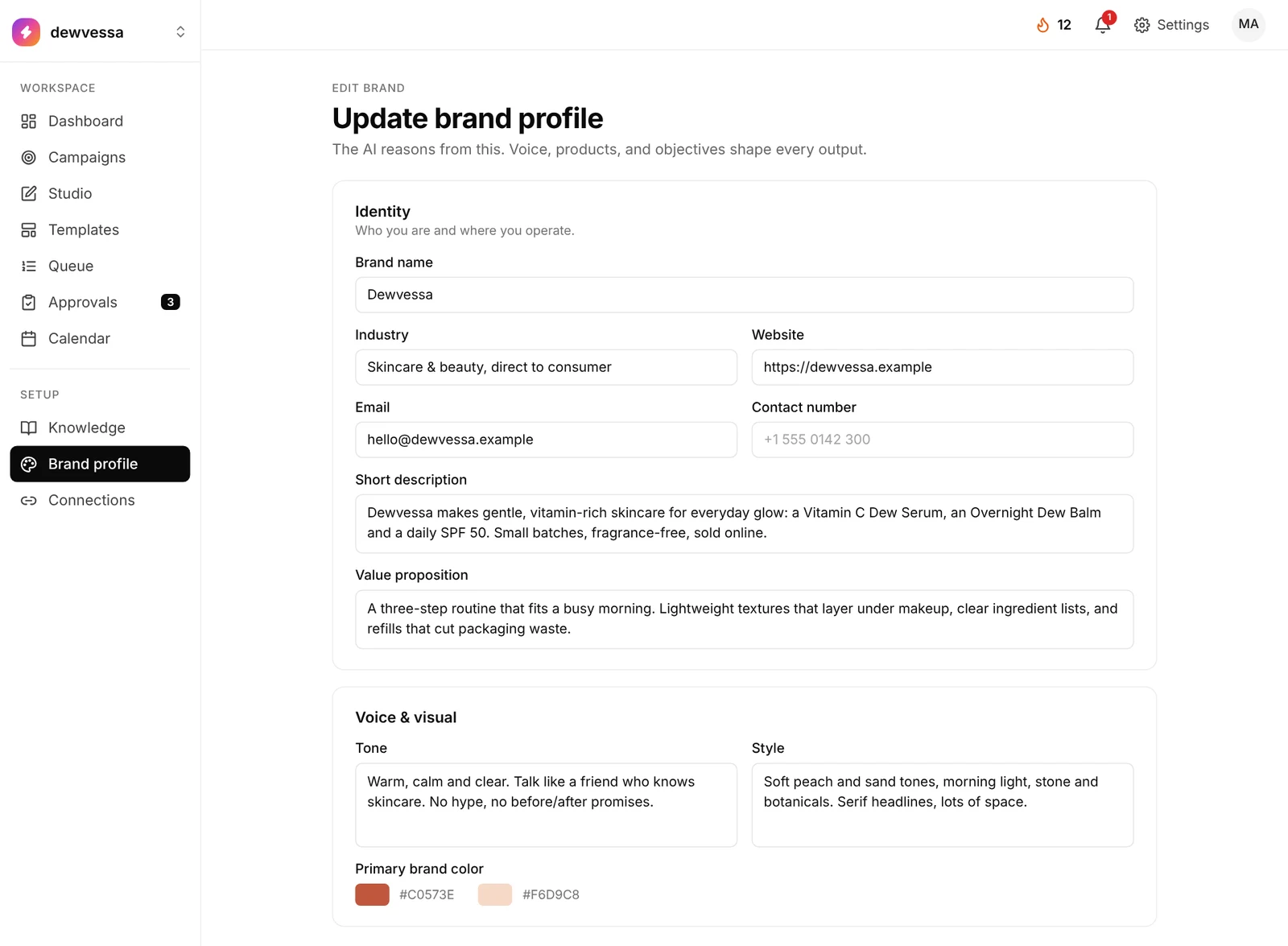
Describe your business once. Every caption, image and campaign uses what you saved, so your posts sound like you.
Name, industry, website, a short description and your value proposition. Then tone, style, primary color, logo, products and goals.
Set once, used by every post
Knowledge has eight areas with their own forms: business, products and pricing, audience, brand voice and policies, reviews, competitors, updates and social. A quality score shows what’s missing.
Start with one product, a few sentences of voice and your audience
AI writes, designs and checks each post using your profile, and flags anything that doesn’t sound like you. Images use your brand color, and templates carry your logo.
Edit anything in Studio before it goes live

Carousels and single posts that founders, educators and agencies create with the AI social media manager, each in their own brand voice and colors.


Founders and agencies who hand their social media to TheViralMarketing: planned, designed and scheduled in their own brand voice.
We sell an AI chatbot to clinics and restaurants, and TheViralMarketing turns that into posts those owners actually stop on: weekend inquiries before and after, WhatsApp table bookings, a fall auto-reply carousel. Every one carries our purple look and our website, and they go out on schedule while we stay focused on the product.
Our followers are students deciding what to learn next, so the feed has to be useful: a 2026 full-stack roadmap, REST vs GraphQL side by side, the skills Indian recruiters ask for. TheViralMarketing writes and designs those carousels in our dark neon style, so every Bit Mentor post gives students something worth saving.
An agency gets judged on its own marketing, so our posts have to sound like our client calls: incremental ROAS, lead qualification, why AI without a strategy brings in no leads. TheViralMarketing has that tone down, and seasonal pieces like the autumn SEO audit land on the calendar without anyone having to remember them.
Developers scroll straight past anything vague, so each post needs real substance, like building an MCP server in four steps or picking between Qdrant and Pinecone for RAG. TheViralMarketing produces them in our green-on-black editor style and publishes them for us, which is how our feed stays steady without hand-built slides.
Plans differ by brands, teammates and AI images. Prices in USD per month, and every plan starts with a 14-day free trial.
Annual billing and the full plan comparison are on the AI social media manager pricing page.
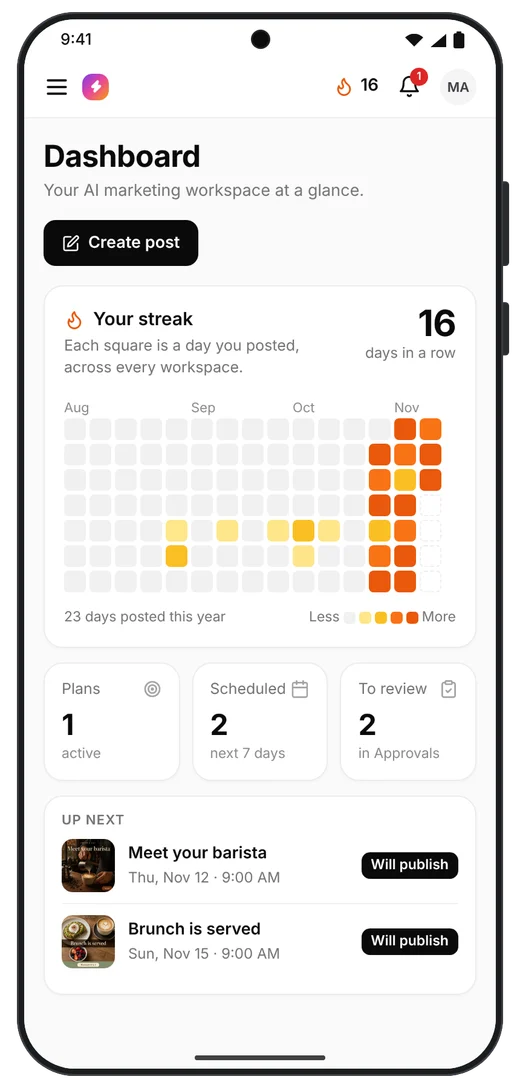
The Android app is the same TheViralMarketing you use in the browser, sized for your phone. Check Approvals, glance at the calendar or start a post from Studio wherever you are.

Android app. Same account, same workspaces.
Only if you let it. Every post carries a confidence score. You set the minimum for auto-approve, and anything below it waits in Approvals. Prefer full control? Use manual review only.
Instagram, Facebook Pages and LinkedIn. You connect each separately, so you decide where Autopilot may post.
From your brand profile and Knowledge pages: products, audience, voice, policies, reviews, competitors. The more you add, the more specific the posts.
Yes. Each workspace has its own queue, campaigns, knowledge and connections, and you can invite teammates.
Everything. Open any post in Studio, change the caption or hashtags, and the preview updates beside it.
Software that plans, writes, designs and schedules your social posts from what you tell it about your business. TheViralMarketing is one. It publishes to Instagram, Facebook and LinkedIn, and you approve each post.
It can do the routine work: planning, writing, designing and scheduling. You still set the goal and approve posts. Auto-approve only publishes posts at or above the confidence score you choose.
They use your brand profile, voice and products from Knowledge. The more you fill in, the less generic they read, and you can edit any caption before it goes out.
TheViralMarketing costs $20, $49 or $159 a month. An agency adds strategy, custom shoots and community management, usually for a much larger fee. Many small teams start with software and hire help later.
Buffer is mainly a scheduler for posts you write. TheViralMarketing also plans the posts, writes the captions and designs the images, then schedules them for your approval.
No. TheViralMarketing (one word, theviralmarketing.co) isn't connected to The Viral Marketing Company or any similarly named agency.
Connect a page, generate a week, approve what you like.
14 days free · no credit card