Dashboard
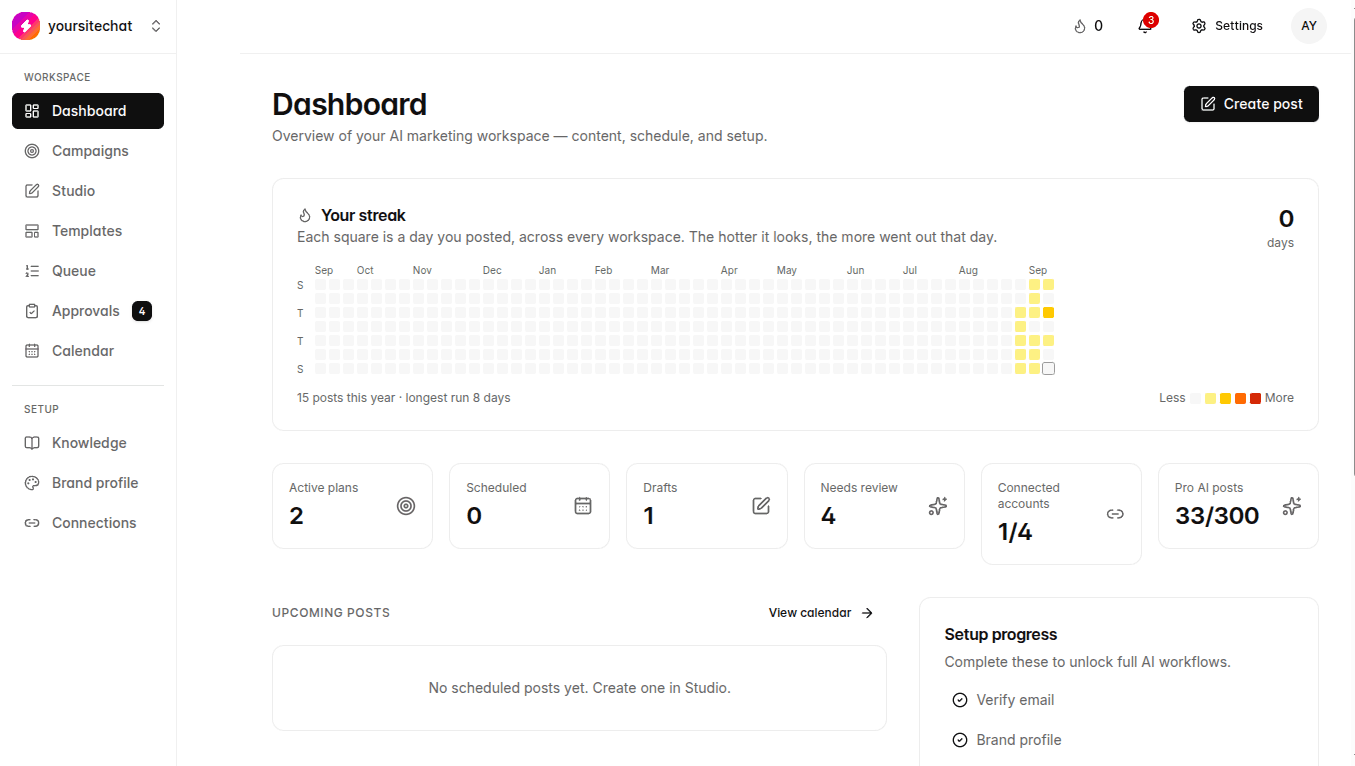
Home after login. Setup checklist, usage, and what is waiting on you.
You are here: Left sidebar: Dashboard
Dashboard is the porch, not the workshop. It tells you what is missing (email, brand, knowledge, connections) and what is already in motion.
When to use this
Every session, for a ten-second scan. Then go to Campaigns or Queue.
Notes
- Verify email if the banner is still up.
- Finish Brand profile if the checklist says it is empty.
- AI image use vs your plan cap shows here. Scheduled posts are not that cap.
- Draft, review, and scheduled counts are shortcuts into Queue and Approvals.
What happens if you skip it
You can ignore Dashboard and work from Campaigns. You will miss the setup reminders.