
Planning
Holiday and festival social media posts: a simple guide
Holiday posts are easy to forget and easy to get wrong. Here is how to choose which days matter, what to say and how to have them ready on time.

Short answer: only post for the days your customers actually care about. Say something that fits your business, not just "happy holiday". Prepare posts at least a day early, and check dates and wording before they go live.
Pick your days
You don't need to post for every holiday. Ask:
Do my customers celebrate this day?
Is it connected to what I sell?
Does it fit my brand's tone?
A bakery in India might post for Diwali and Holi. A B2B software company in the UK might skip most holidays and post at the start of the new year. Pick the five to ten days a year that matter for you.
Decide what to say
A good holiday post does one of these:
Wishes, warmly and briefly. Short and sincere beats long and generic.
Connects to your product. A gift idea, a seasonal menu, opening hours.
Shares something real. How your team celebrates, a tradition, a photo.
Makes an offer, if it suits the day.
Be careful with religious and cultural days. Keep the tone respectful, and don't force a sales message where it doesn't belong.
Get the timing right
Prepare early. At least a day ahead, so you're not scrambling.
Check the date. Some festivals move each year, and some differ by region.
Post in the morning for days people celebrate from the start, unless your analytics say otherwise.
Think about time zones if your customers are in several countries.
Make them look like you
Use your brand color and logo, or a real photo. Avoid generic stock images that look like everyone else's.
Review before they go live
Holiday posts are exactly the kind of post to check by hand: is the name right, is the date right, does the tone fit?
Examples by business type
A local bakery (India): a short Diwali wish with a photo of the festive box, and opening hours for the day. No hard sell.
An online clothing store (UK): a gift guide in early December, then a simple wish on the day, and a post about delivery cut-off dates.
A B2B software company (United States): skip most holidays. Post a short thank-you at Thanksgiving and a year-in-review at the start of January.
A gym: a New Year post about realistic goals, without promising results.
Common mistakes
Posting for every holiday. It dilutes the days that matter.
The wrong date. Some festivals move every year. Check.
A sales post on a solemn day. Some days call for a quiet message or none at all.
The same template as everyone else. Use your own brand look or a real photo.
Last-minute panic. Prepare a day or more early.
Pick the days once, and review them early
In Festival mode, you choose your country and the days that matter. A post is prepared a day early, in your brand's style, so you can check it and still enjoy the day. A person approves each post, unless you turn auto-approve on.
Start a 14-day free trial, with no card, at app.theviralmarketing.co.
A short checklist
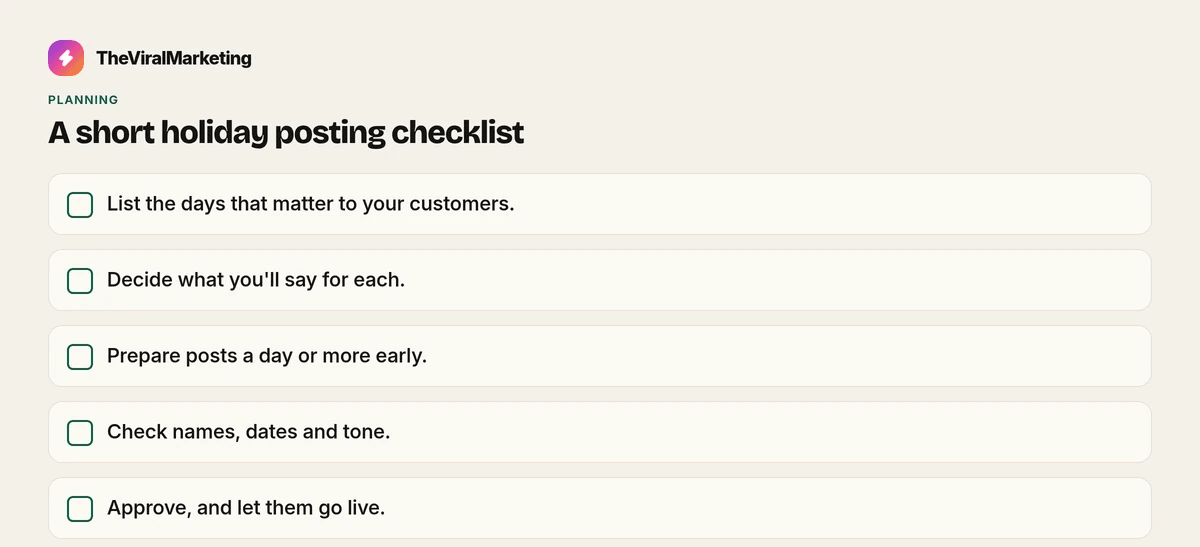
List the days that matter to your customers.
Decide what you'll say for each.
Prepare posts a day or more early.
Check names, dates and tone.
Approve, and let them go live.
Questions, answered straight.
Which holidays should a business post for?
Only the ones your customers care about and that fit your brand. For most businesses that's five to ten days a year.
Which countries does festival mode cover?
The United States, the UK and India. You switch on the days you want.
Try it on your own feed.
Fourteen days free, no card. Connect one account and approve your first post.
14 days free · no credit card