
The AI social media management tool, from plan to published post.
TheViralMarketing plans the month, writes the captions, designs the images and publishes to Instagram, Facebook and LinkedIn. Every part lives in one workspace, and every part is on every plan.
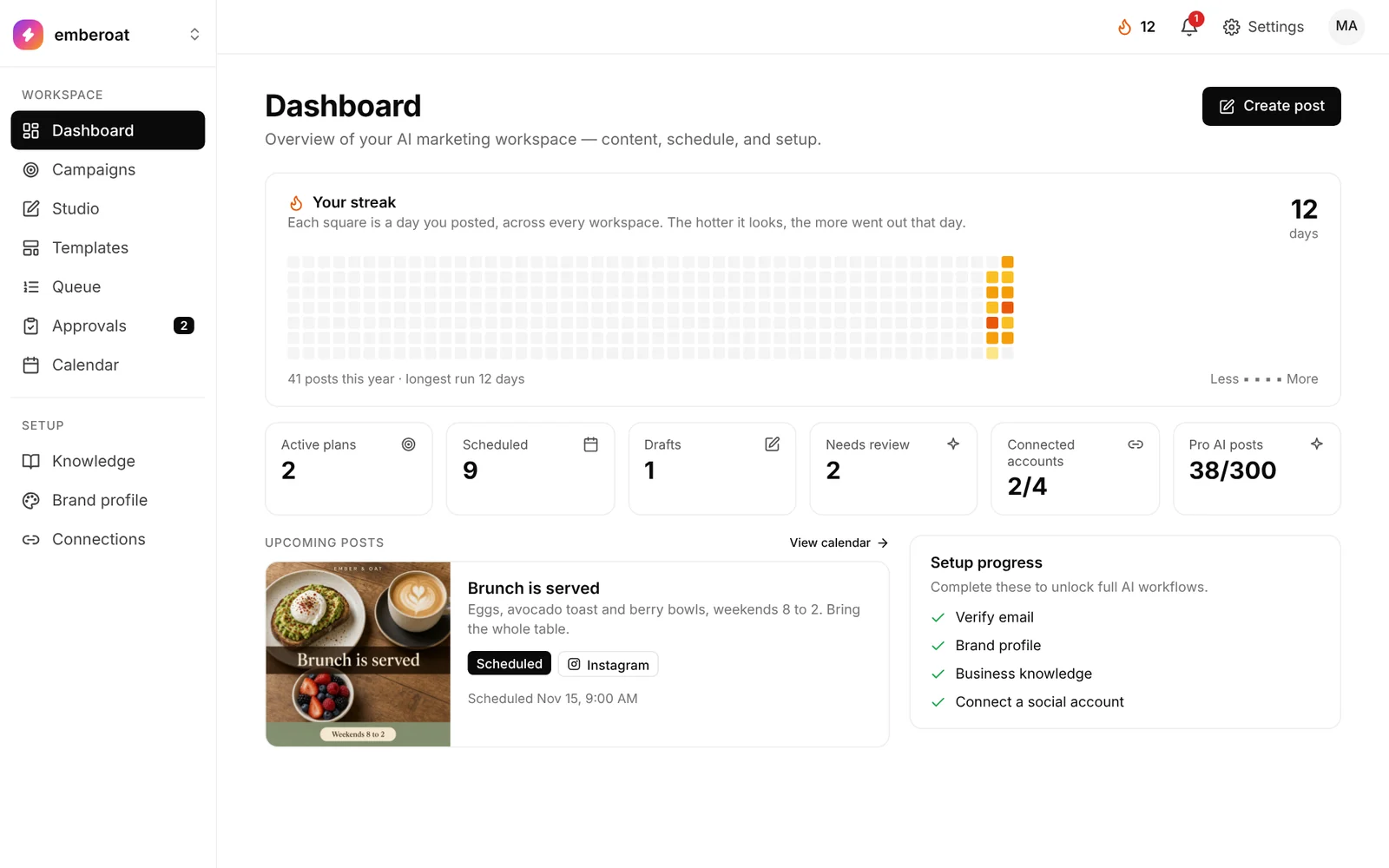
Six parts. One loop.
Switch it on. The calendar keeps filling.
Pick a 7, 14 or 30-day window, a posting time and your channels. When one batch ends, the next one starts by itself.
How Autopilot works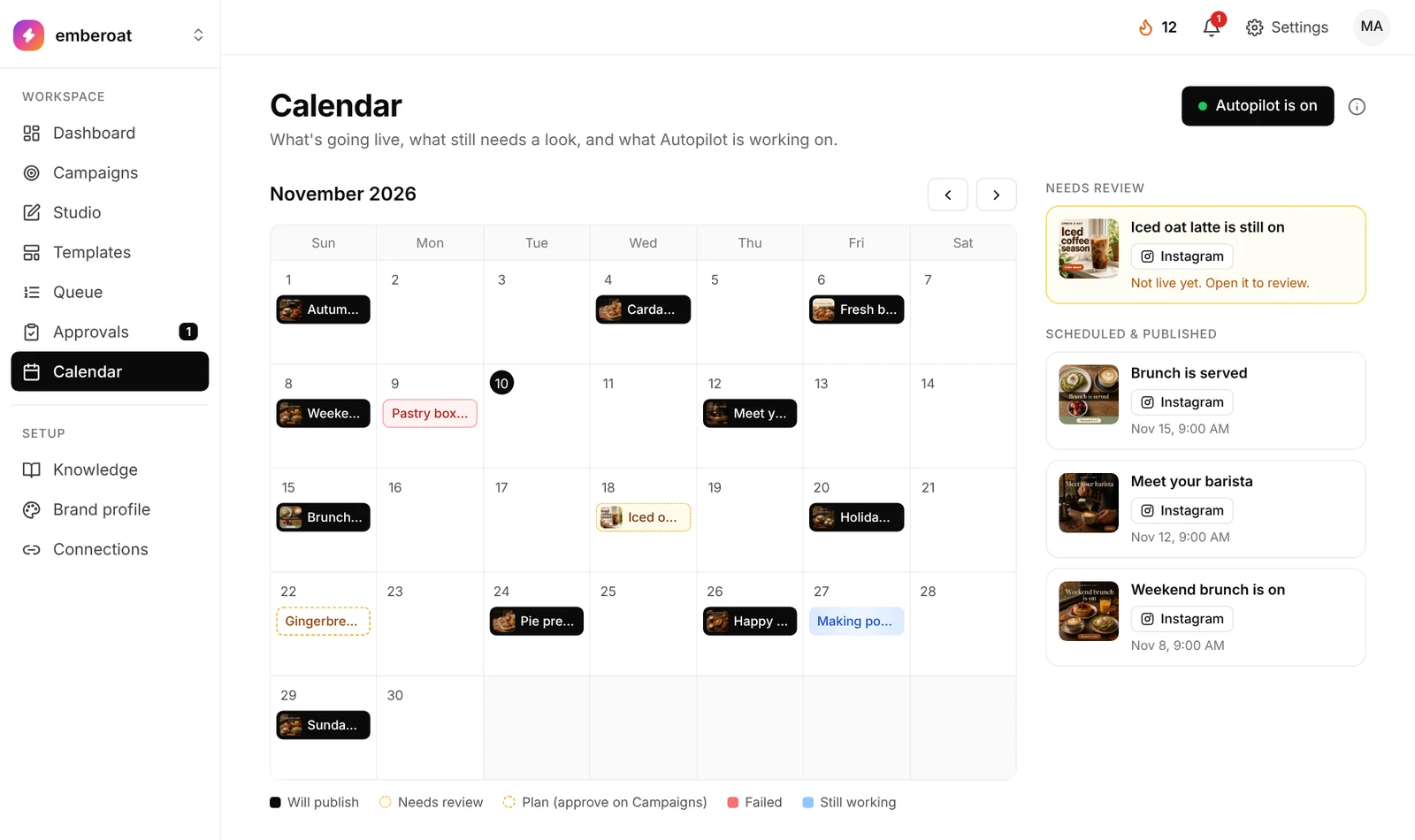
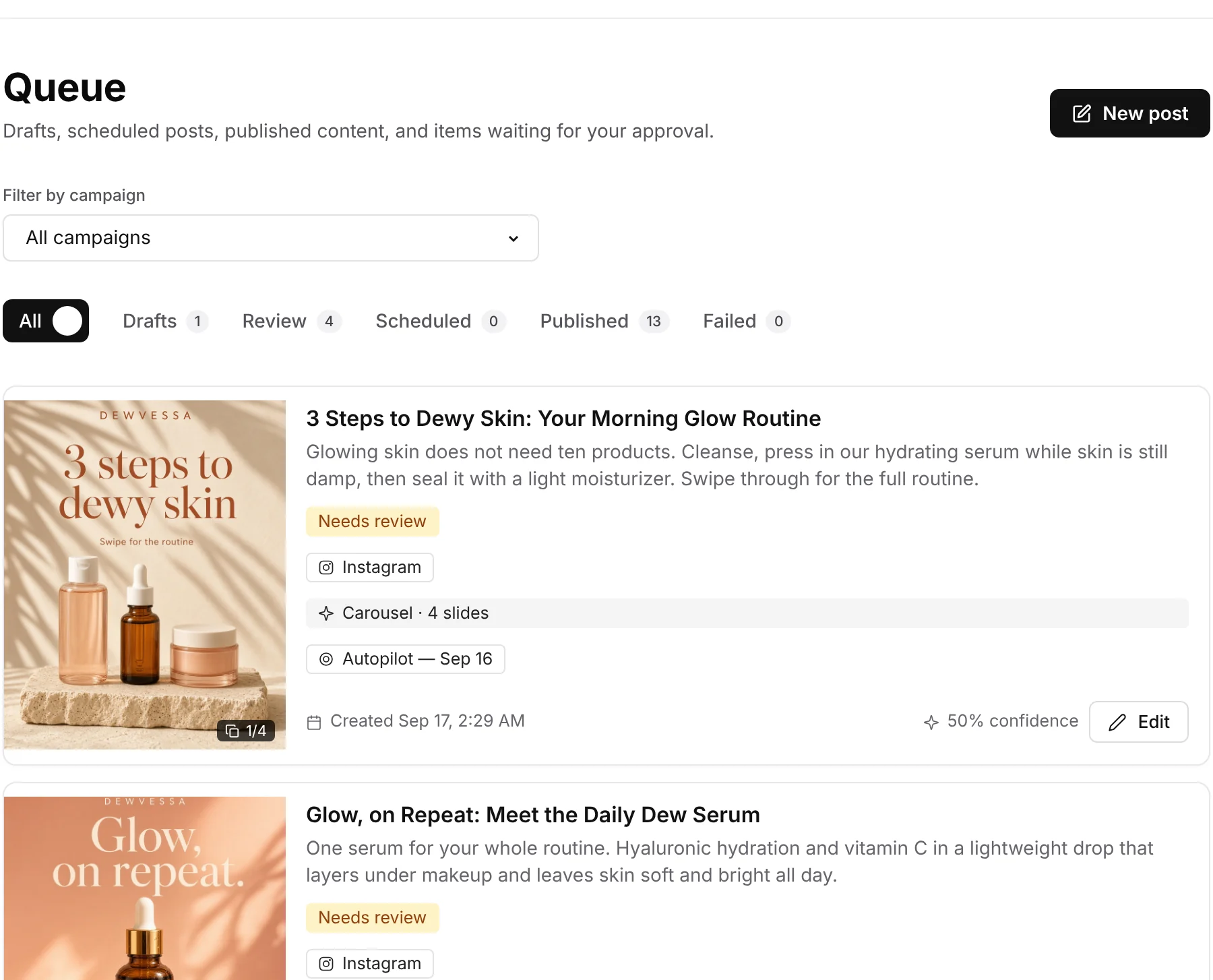
A confidence bar you set.
Posts above your minimum score can publish on their own. Everything else waits for a person.
One goal in, a dated plan out.
Describe what you want. Get days, topics and platforms you can accept, edit or skip.
Campaigns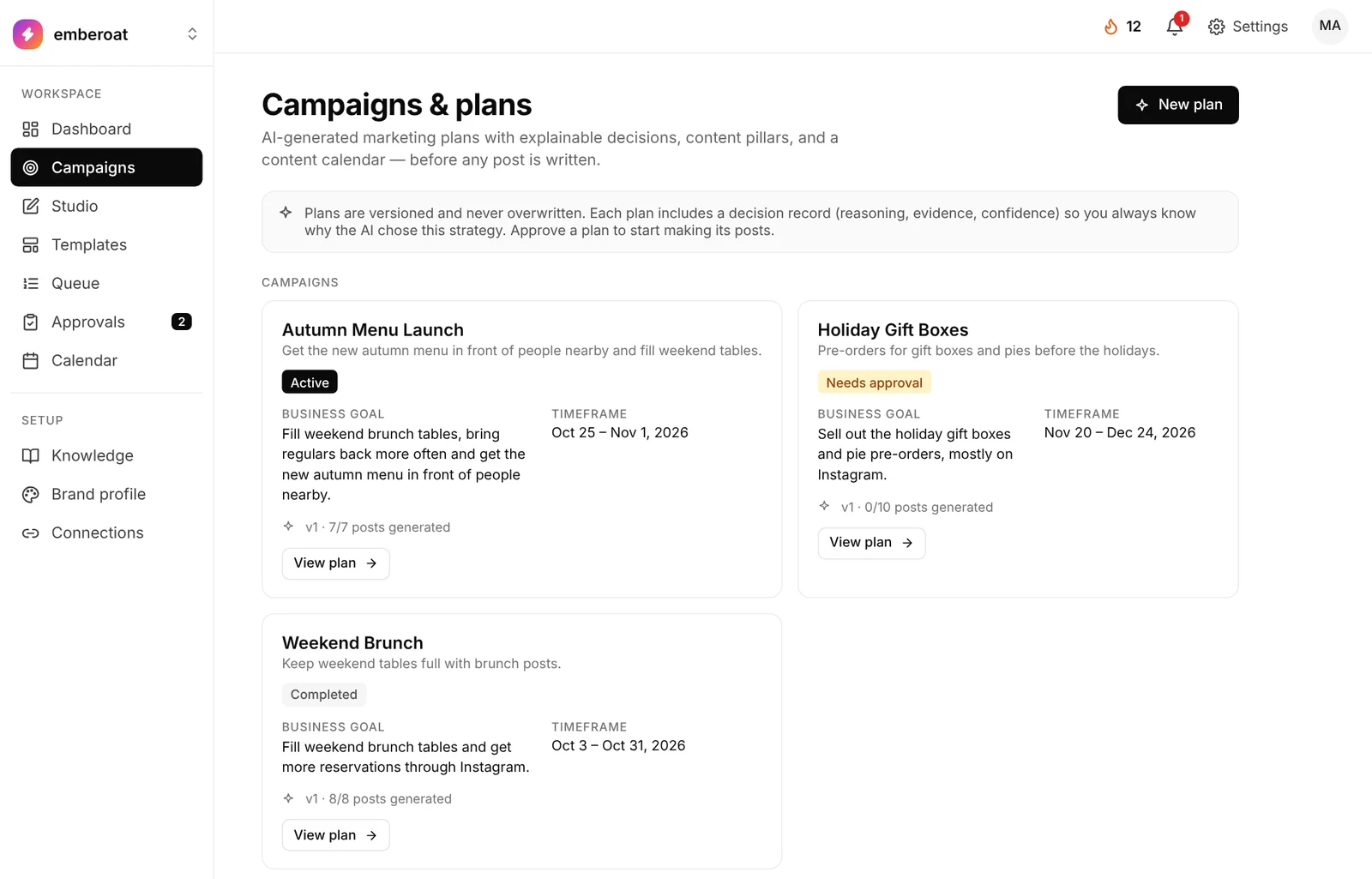
One post, by brief or by hand.
Generate with AI, or upload your own photo and schedule it.
StudioYour color and logo on every layout.
Start with the included library or upload as many of your own as you like.
Templates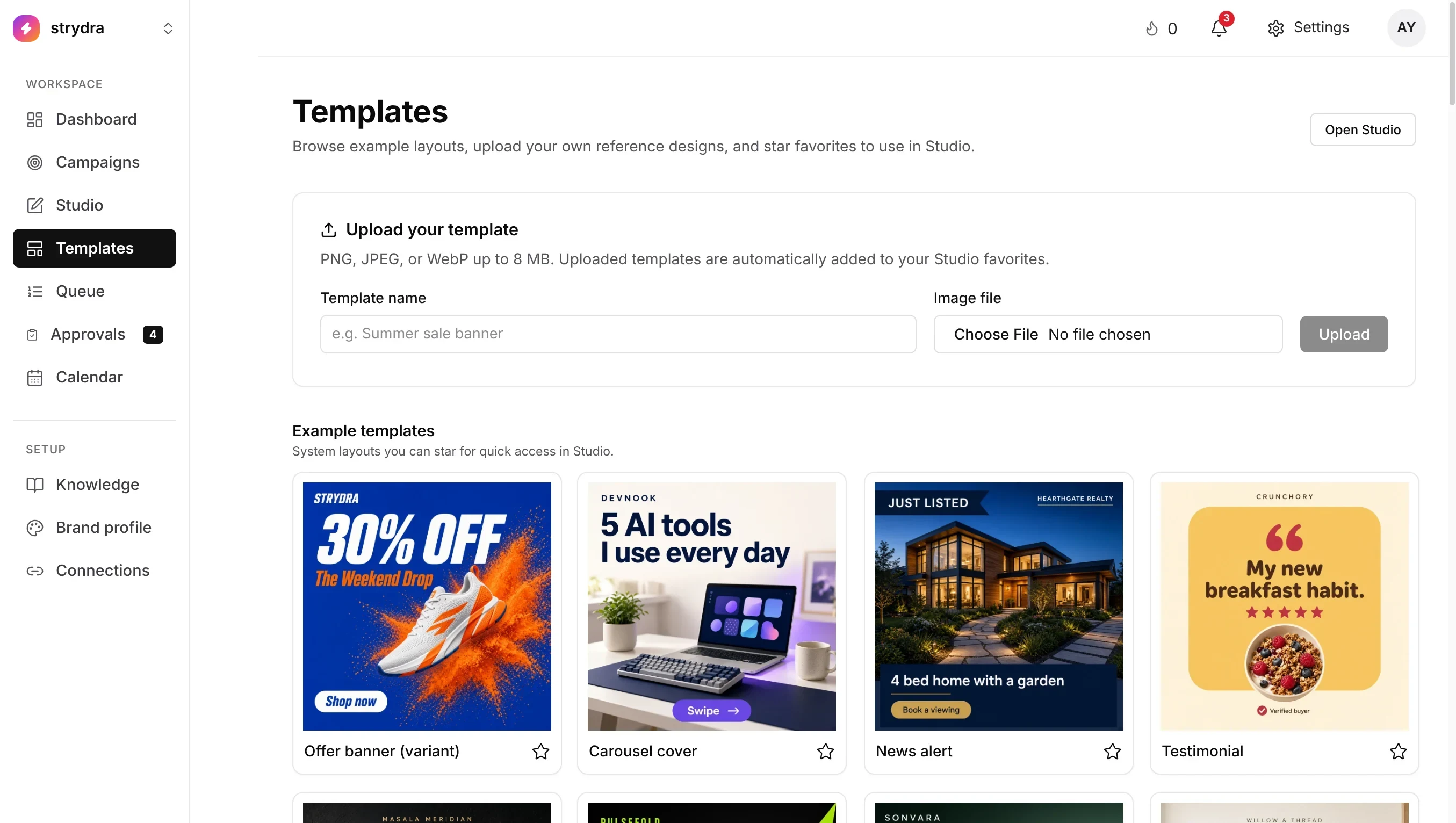
It writes from your facts.
Brand profile is the short version of your company. Eight knowledge areas hold the long version: products, audience, voice, reviews, competitors and more.
How setup works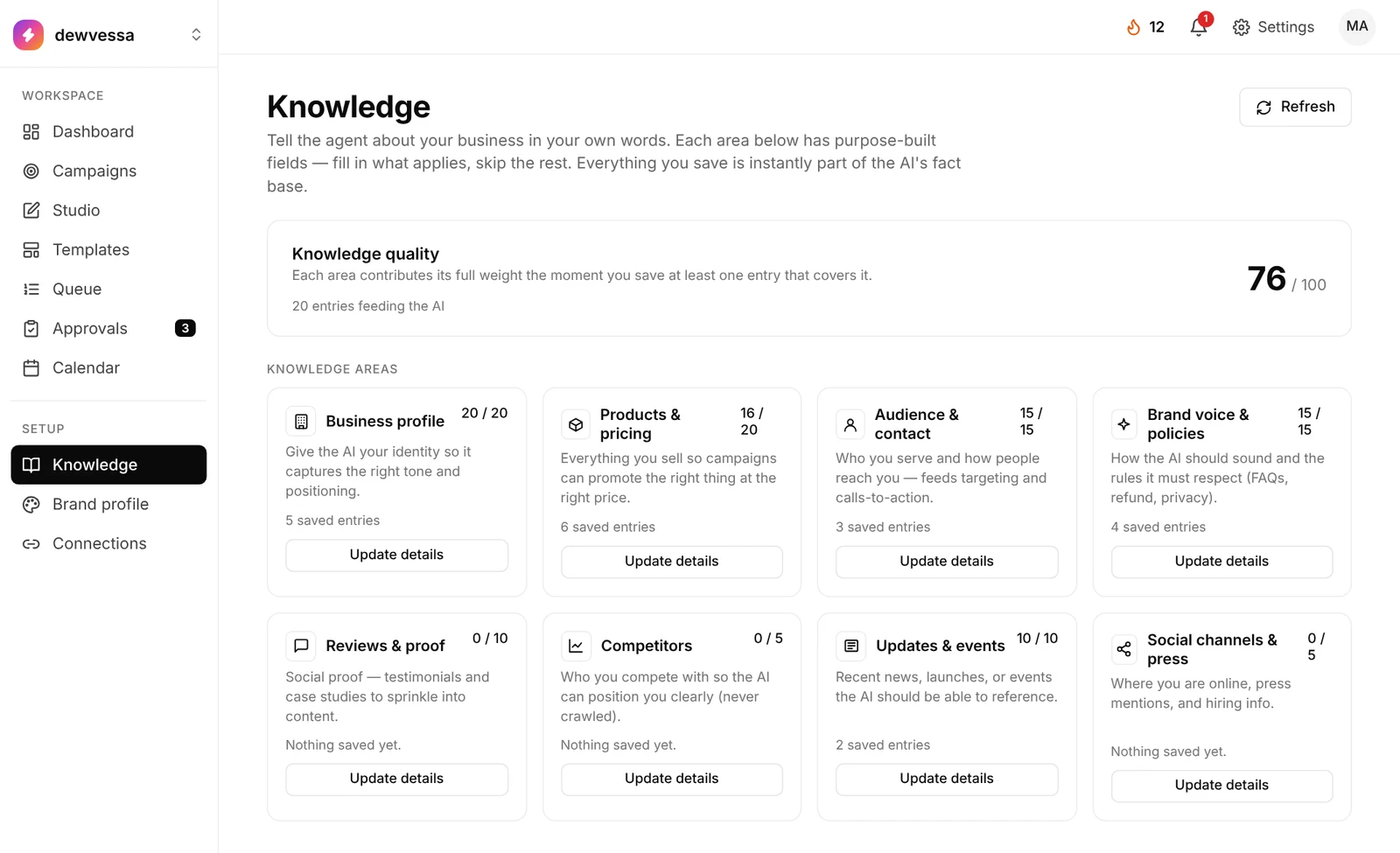
One brand per workspace. No mix-ups.
Each organization has its own connections, knowledge and calendar. Client A’s Instagram never posts for Client B.
Plan limits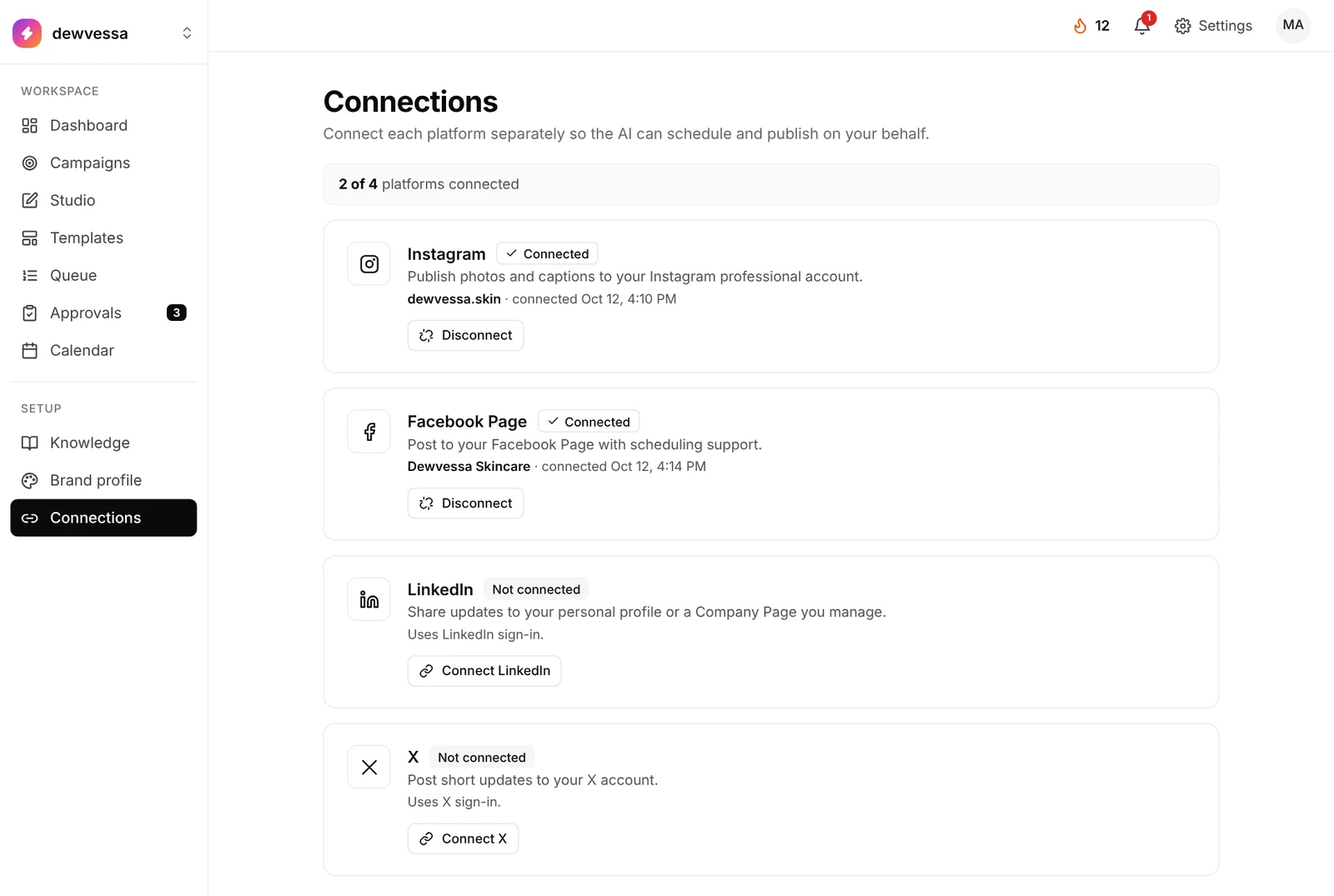
The parts you’d expect to pay extra for.
Written per network.
In your voice, the right length for each network, with hashtags and a call to action.
On-brand visuals.
Your brand color and templates applied. Single images or carousels, with each slide counting as one AI image.
Post while it’s hot.
News from your field, turned into a draft post in one click.
See what worked.
Reach and engagement for each network, your best posting times and which formats work best.
Drag, drop, done.
Move a post to another day. Color chips show what will publish, what needs review and what is still being made.
Your own photos. Schedule unlimited.
Upload JPEG, PNG or WebP and schedule as many posts as you want. No AI credits used. Upload your own
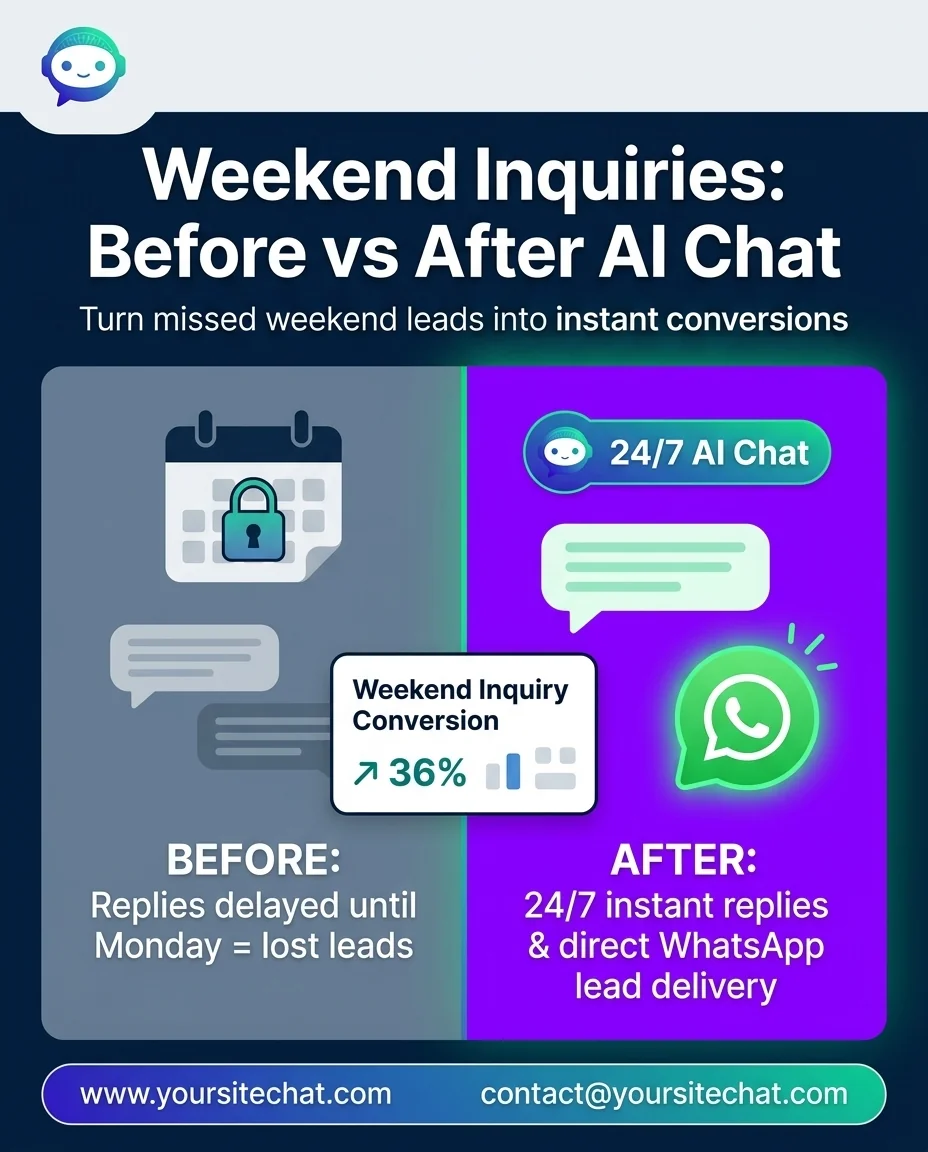
Posts brands publish with it.
Carousels and single posts created with the AI social media manager, each in the brand’s own voice and colors.
Instagram, Facebook, LinkedIn.
Three networks, done properly. Facebook needs a Page. LinkedIn can be a profile or a Company Page.
Watch the parts move.
Short videos with sample brands. Pick one.
A brief in, a finished post out.
Type what the post is about. TheViralMarketing writes the caption, designs the image and scores it before it reaches Approvals.
From sign-up to a filled calendar.
Account, brand profile, Knowledge, one connection, then Autopilot. The calendar fills with posts to approve.
Approve, edit or reject.
Each post arrives with an AI confidence score. Set the minimum for auto-approve, or keep Manual review only.
One goal becomes a plan.
Open a plan to see its goals, content pillars and every post made from it, each with its status.
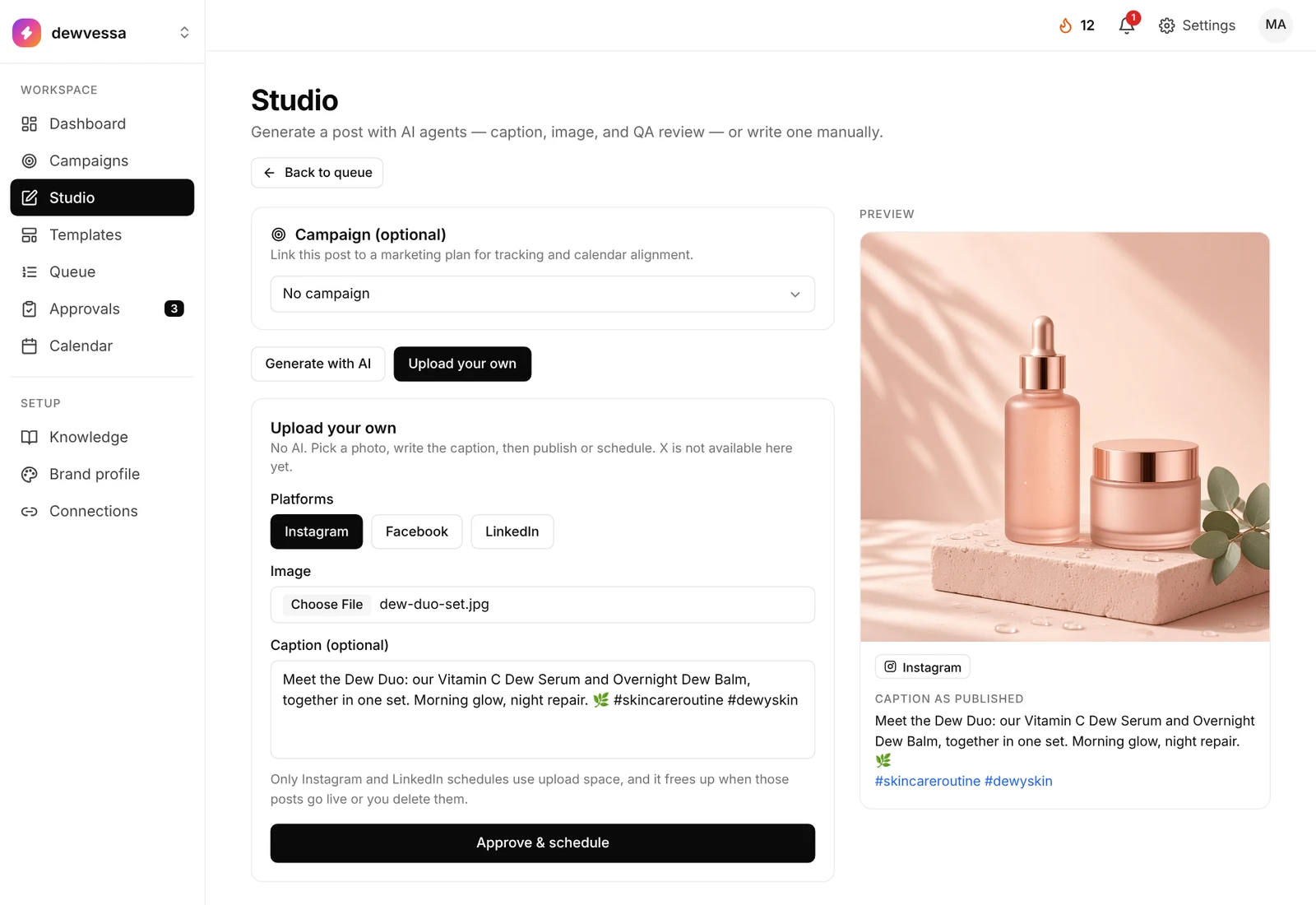
Upload your own. Schedule unlimited.
Schedule unlimited posts of your own photos, no AI credits used. Your plan’s upload space frees up as each post goes live.
- In Studio, switch to Upload your own and pick a photo
- Write a caption, or leave it blank to post the image only
- Choose Instagram, Facebook and/or LinkedIn, then Approve & schedule
- Link it to a campaign if you like. The preview shows the caption as published
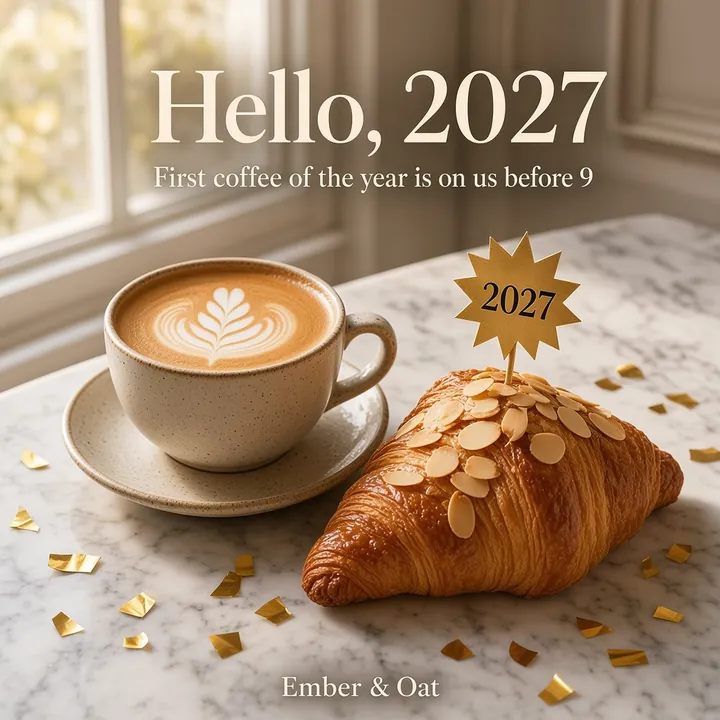
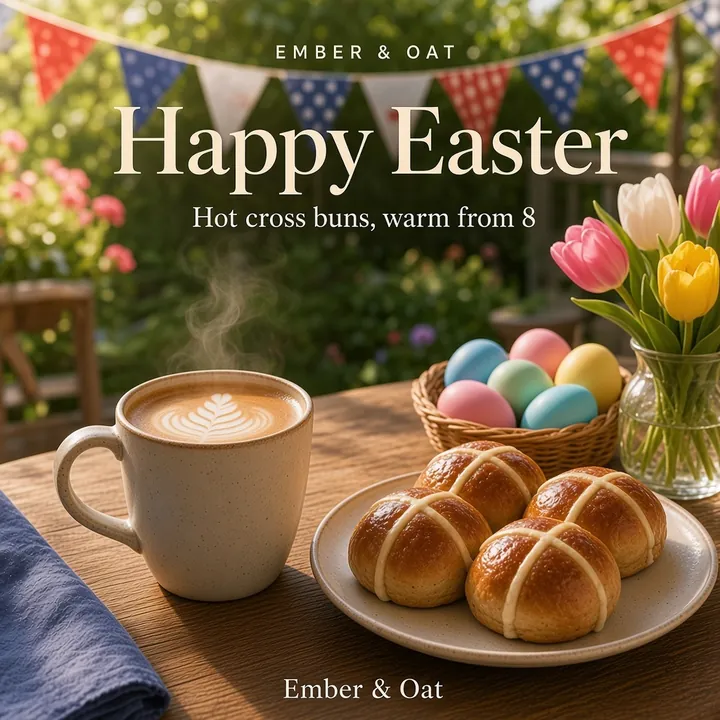
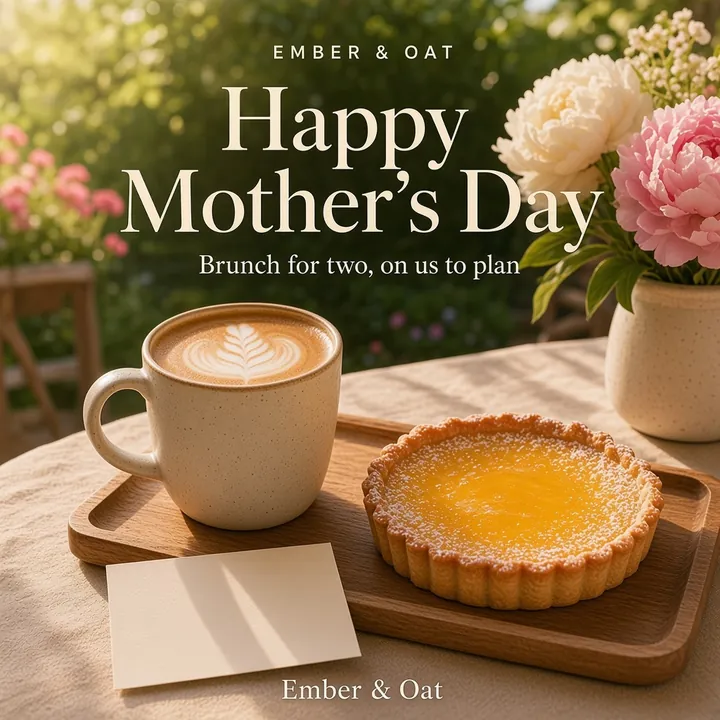
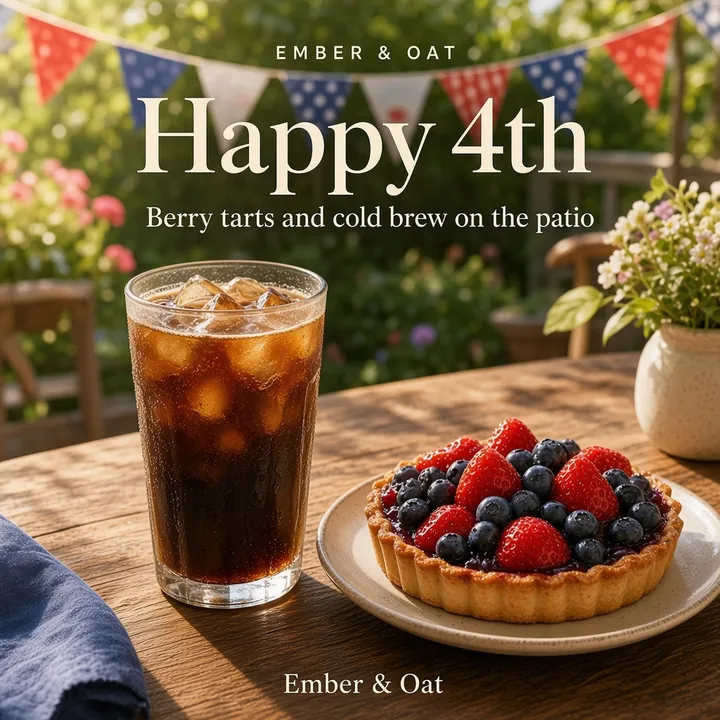
A year of festival posts, ready the day before.
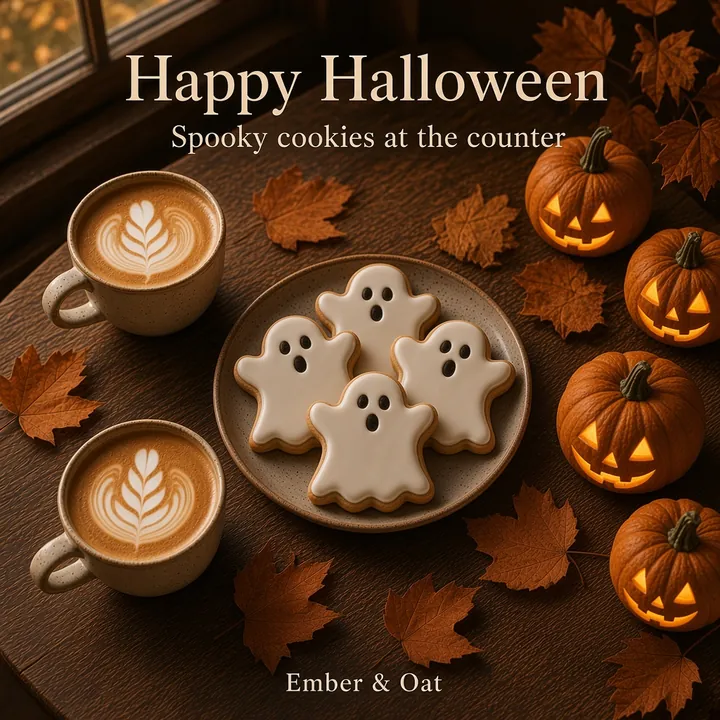
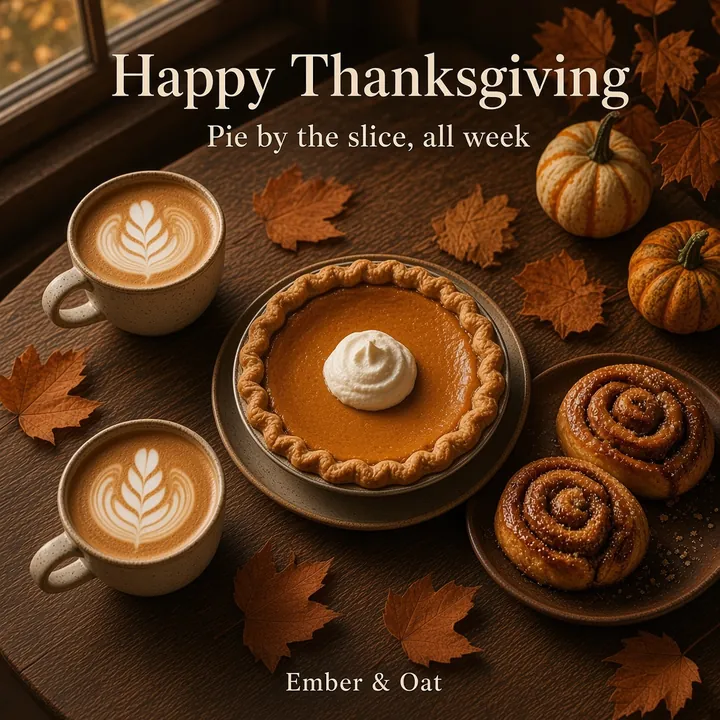
Thanksgiving, Black Friday, Halloween, Christmas and more. Festival mode prepares one post per day you switch on, in your brand’s look.
- Oct
Halloween - Nov
Thanksgiving - Nov

Black Friday - Dec

Christmas - Jan
New Year - Feb

Valentine’s Day - Spring
Easter - May
Mother’s Day - May
Memorial Day - Jul
Independence Day - Sep

Labor Day
Sample festival posts for a café.
One image, one caption.
Posted on every connected channel. It runs separately from Campaigns and Autopilot.
United States, UK or India.
Pick one country, a timezone and a posting time, then switch each day on or off. India brings Diwali and Holi; the UK has its own list.
Ready the day before.
It prepares the post and emails you. Approve each one, or turn on auto-post. How festival mode works
Every brand its own room. Everyone the right role.
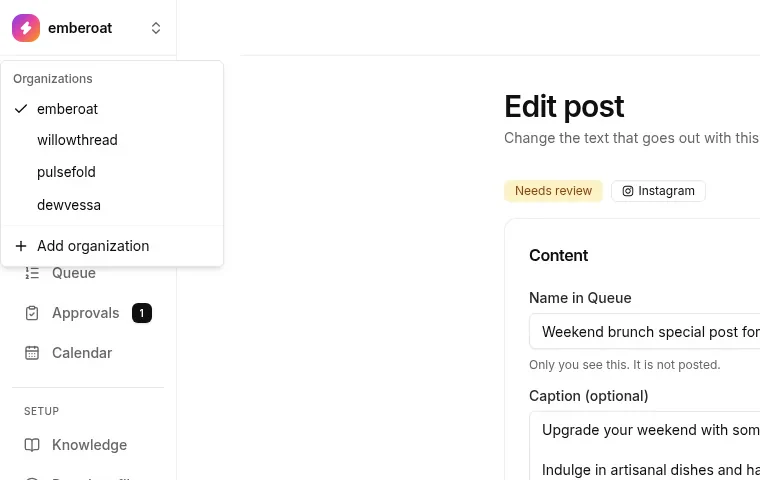
Run several organizations under one login and switch between them from the menu. Use Add organization for each new brand or client, which is handy for agencies.
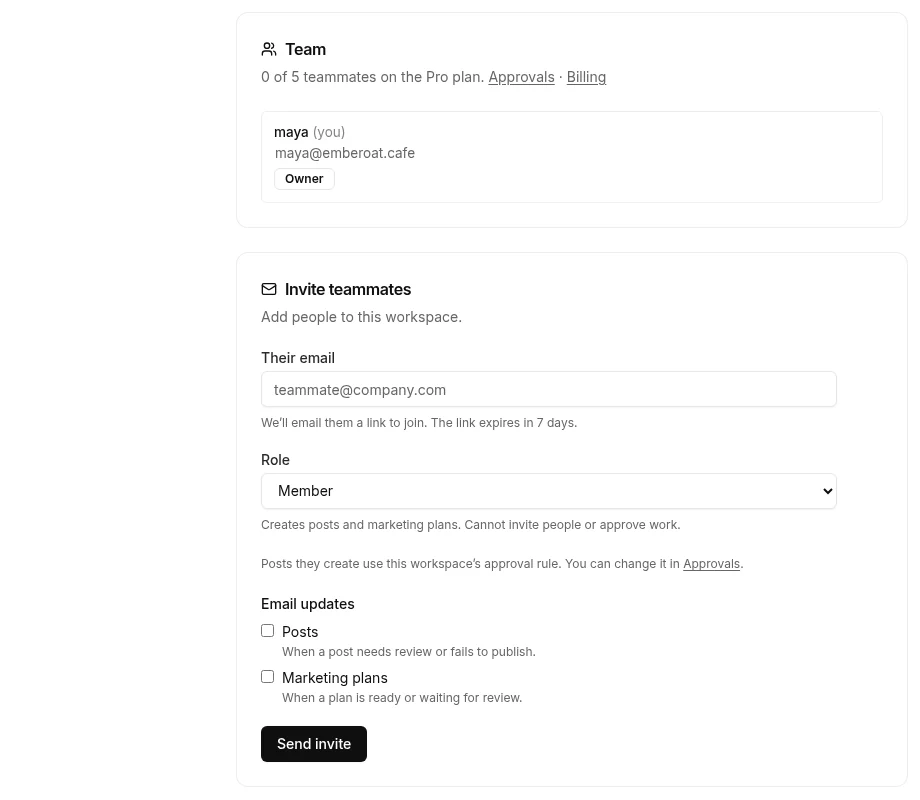
- Invite by email. The invite link expires in 7 days.
- Admin invites people, creates and approves. Can’t change the owner’s plan.
- Member creates posts and marketing plans. Can’t invite or approve.
- Viewer can browse, nothing more.
- Email updates, per person: posts that need review or fail to publish, and marketing plans that are ready or waiting for review.
Workspace usage shows AI posts, social platforms and upload storage against your plan. Pro includes 5 teammates. Compare plans.
Questions, answered straight.
Do I need a separate design tool?
Not for most posts. Images are made inside TheViralMarketing with your brand color, logo and templates, and you can edit them before anything goes live.
Can one draft go to more than one network?
Yes. One brief becomes a version for each of Instagram, Facebook and LinkedIn, not the same caption pasted three times.
Can I manage several brands?
Yes. Each organization has its own voice, calendar, knowledge and connections. Starter includes 1, Pro 5 and Agency 50.
Is every feature on every plan?
Yes. Autopilot, auto-approve, captions, templates, trending news and analytics are on Starter, Pro and Agency. Plans differ by organizations, teammates and AI images a month.
New to the idea? Start with what an AI social media manager is, or see how TheViralMarketing compares with Buffer, Hootsuite and Later. Publishing details for each network are on the integrations pages.
See it on your feed.
Connect a page, generate one post, approve it. It takes a few minutes.
14 days free · no credit card