
Studio
An AI social media post generator, with an editor you control.
Studio is where a single post gets made. Generate one from a brief, upload a photo you already have, or polish a draft that Autopilot wrote. Captions, hashtags and the image preview sit side by side.
- Make
- Generate with AI or upload your own
- Formats
- Single image or carousel
- Uploads
- Unlimited, no AI image cap
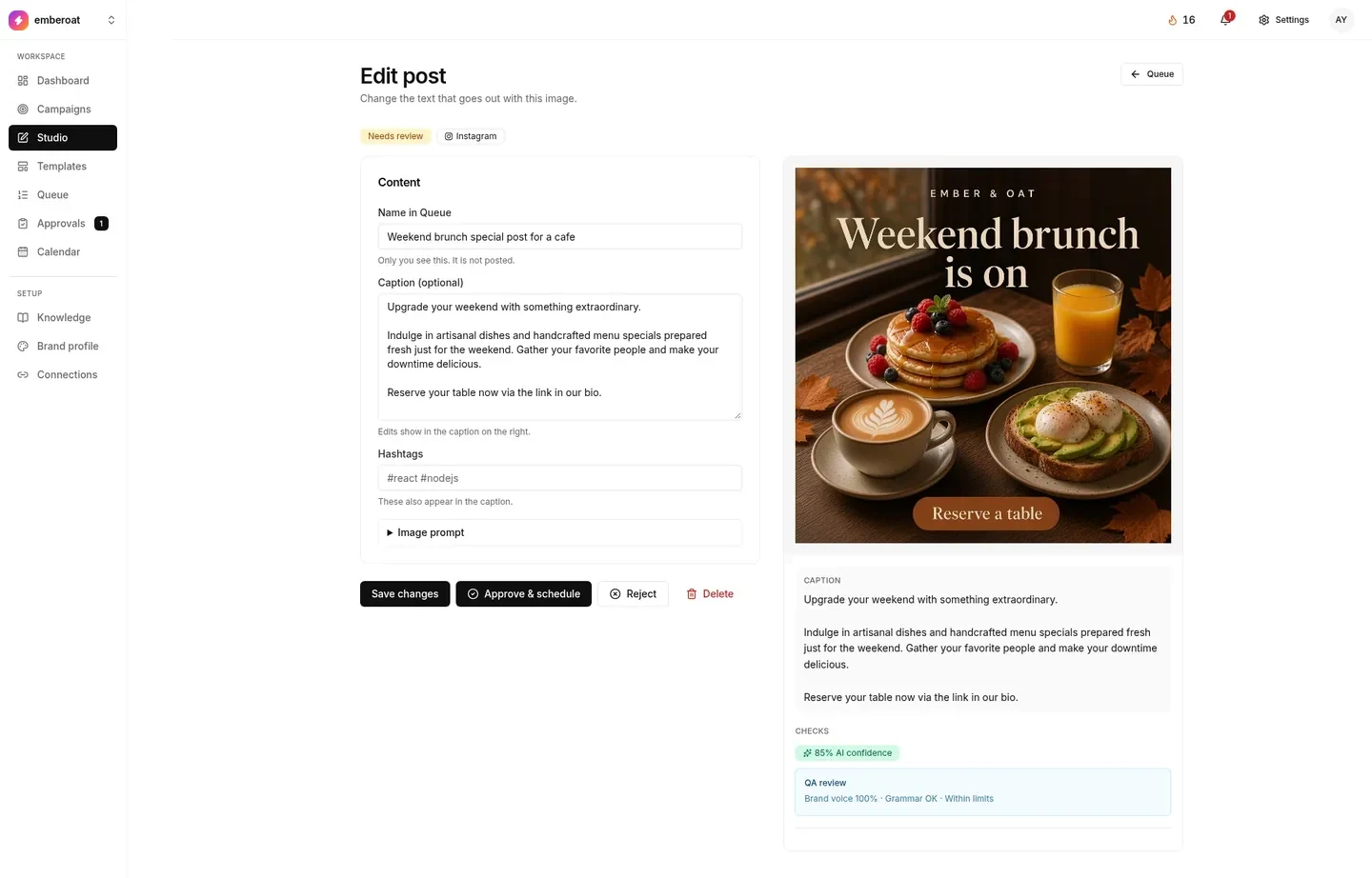
Brief it, or bring it.
Write a brief, not the caption.
Pick image or carousel, choose the networks, attach it to a campaign if you want. The draft lands as Needs review unless auto-approve is on. Each image, and each carousel slide, counts as one AI image.
Your photo. Your caption. Your time.
JPEG, PNG or WebP, an optional caption, Instagram, Facebook and/or LinkedIn. Approve and schedule for now or later. No AI, no image cap.
A copywriter, a designer and a checker.
Start from a campaign or a short brief. TheViralMarketing writes the hook, caption and hashtags, designs the image, and flags anything that doesn’t sound like you.
- Writing, design and checking in one place
- Manual mode when you want full control
- Same approval queue whether AI or you wrote it
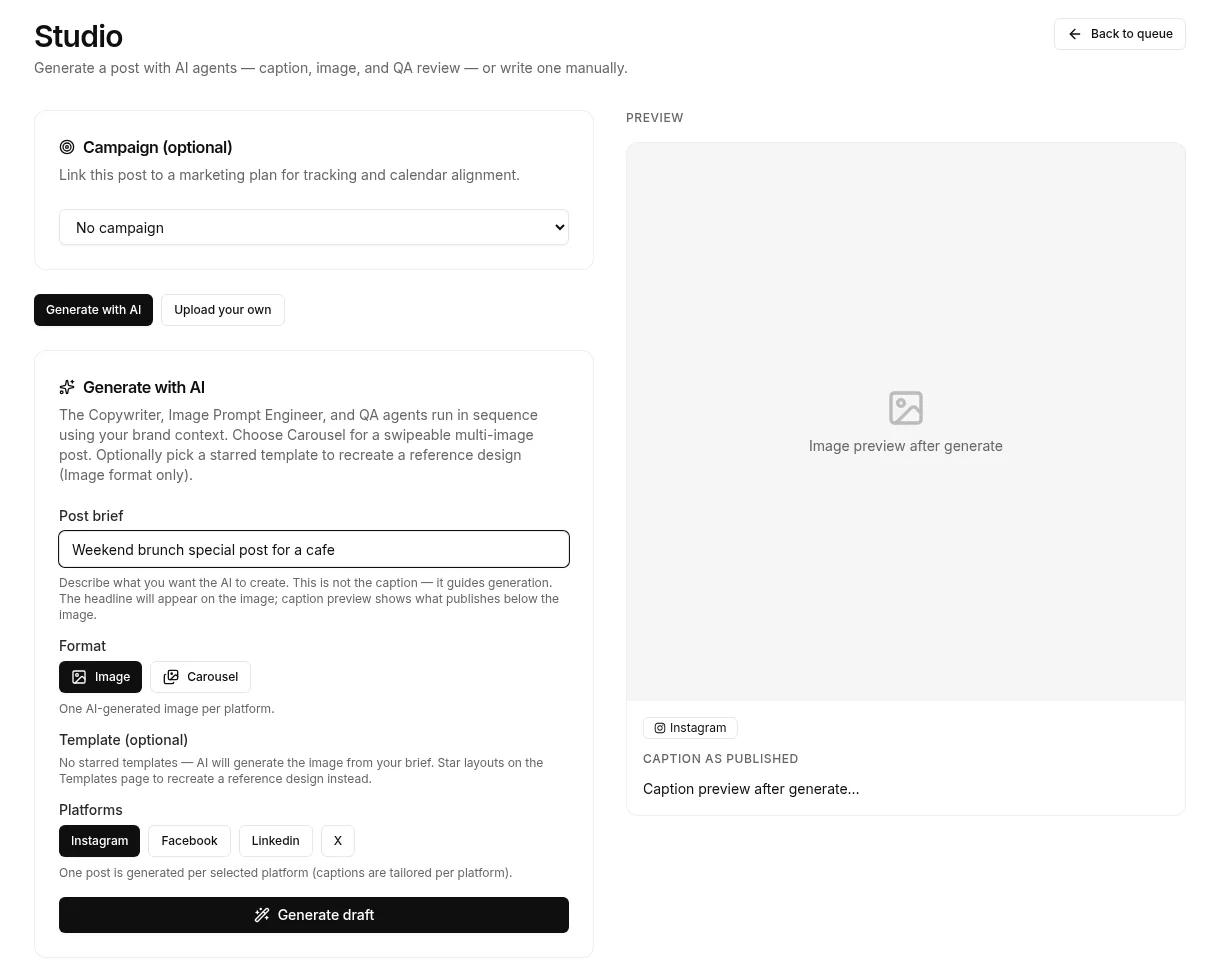
Fix the words. Keep the picture.
- Open any post from Calendar, Queue, Approvals or a campaign row
- Rewrite the caption without throwing away the image
- Swap the image or change the networks
- Pick a network. Length and tone change for each one
Still doesn’t sound right? Update Brand voice and Knowledge, then make it again.
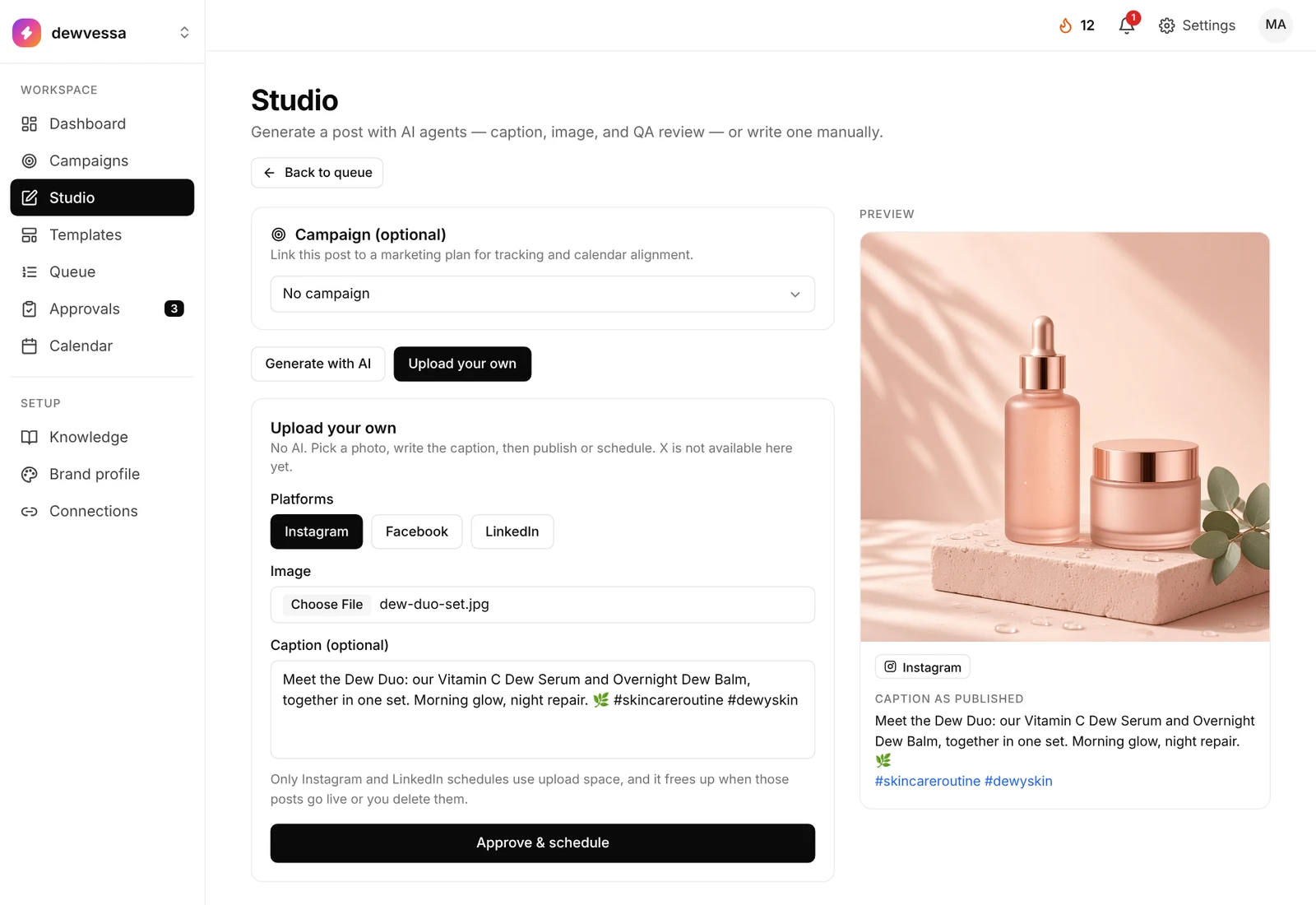
Upload your own. Schedule unlimited.
Schedule unlimited posts of your own photos, no AI credits used. Your plan’s upload space frees up as each post goes live.
- Switch to Upload your own: no AI, just your photo and caption
- Post to Instagram, Facebook and/or LinkedIn. X isn’t available here yet
- The caption is optional. The preview shows it as published
- Link it to a campaign, then Approve & schedule
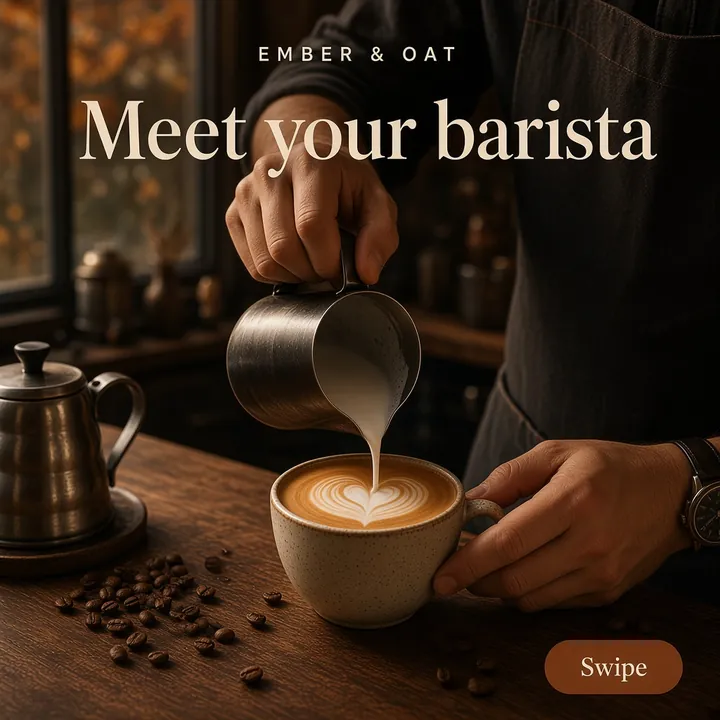
Posts you can make in Studio.
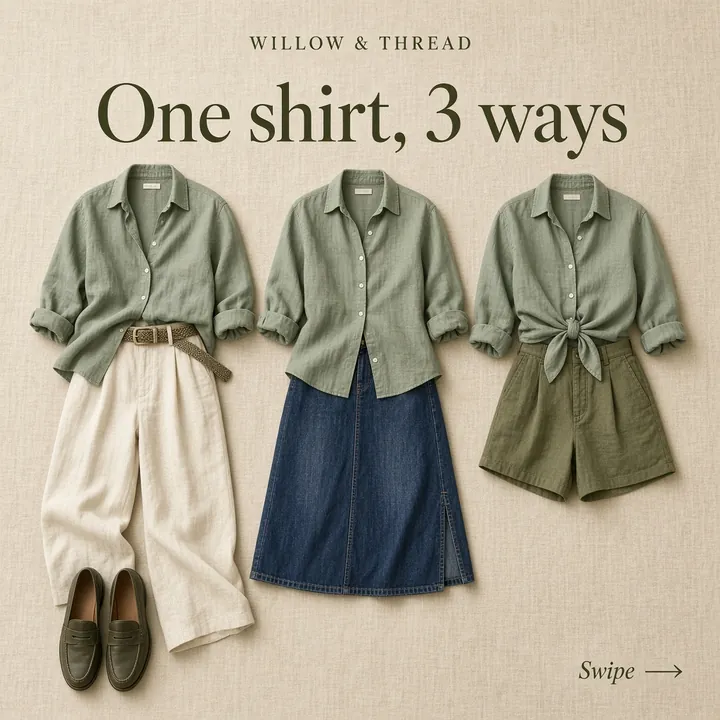
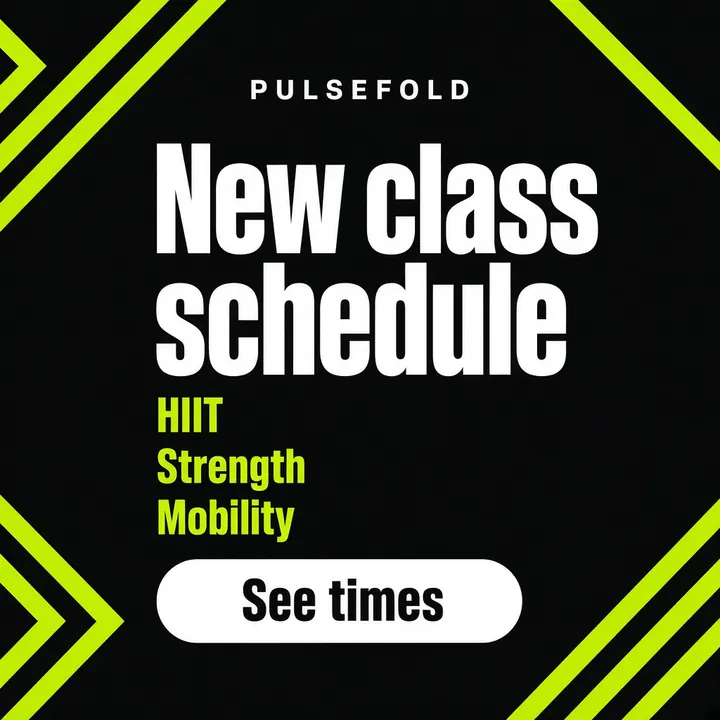
Sample posts for a café, a skincare line, a boutique, a fitness studio and more.









Questions, answered straight.
Does uploading my own photo use AI credits?
No. Upload your own never uses AI credits, and you can schedule unlimited posts of your own photos. A scheduled upload uses your plan’s upload space until it goes live, then that space frees up.
How many posts can I schedule?
As many as you like, on every plan. The monthly limit applies to AI-generated images (100, 300 or 1,000), not to scheduled posts.
Can I fix a caption without losing the image?
Yes. Open the draft, rewrite the caption, keep the image. You can also swap the image or change the networks.
Which networks can I post to from Studio?
Instagram, Facebook and LinkedIn. X isn’t available in Upload your own yet.
Need one post today?
Open Studio, write a brief or upload a photo, and schedule it.
14 days free · no credit card