
Campaigns
An AI social media campaign planner that starts from your goal.
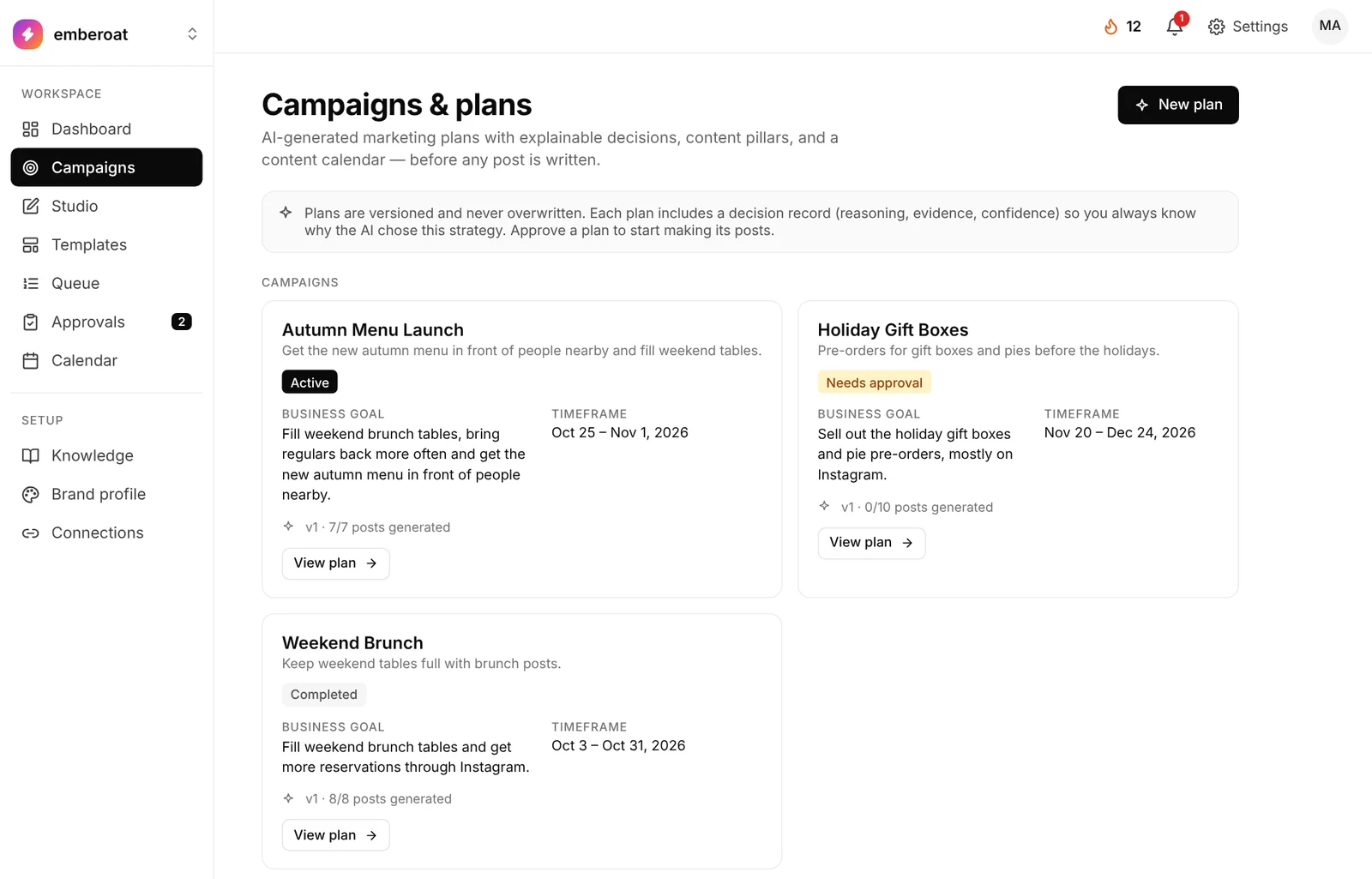
Describe what you want in plain words. TheViralMarketing proposes the days, topics and platforms. You accept the plan, skip a slot, or edit a post in Studio before anything generates.
- Window
- 7 to 120 days
- Networks
- Instagram · Facebook · LinkedIn
- Plans
- Starter, Pro and Agency
Three steps. No forms to fill in.
Say it like you’d say it to a person.
Write a sentence or two and pick 7 to 120 days. The plan works toward your goal.
Every row is a day, a topic, a platform.
Skip what you don’t want. You can change the words later in Studio.
Then posts start generating.
They land in Queue and Approvals, and show up on the Calendar.
Vague goals get vague posts.
Increase engagement.
Get offices to start a biweekly 1kg subscription this month.
A specific goal names the audience, the offer and the timeframe, so the plan has something to aim at.
One page holds the whole campaign.
Open any plan and it reads top to bottom: why it exists, what it covers and every post made from it.
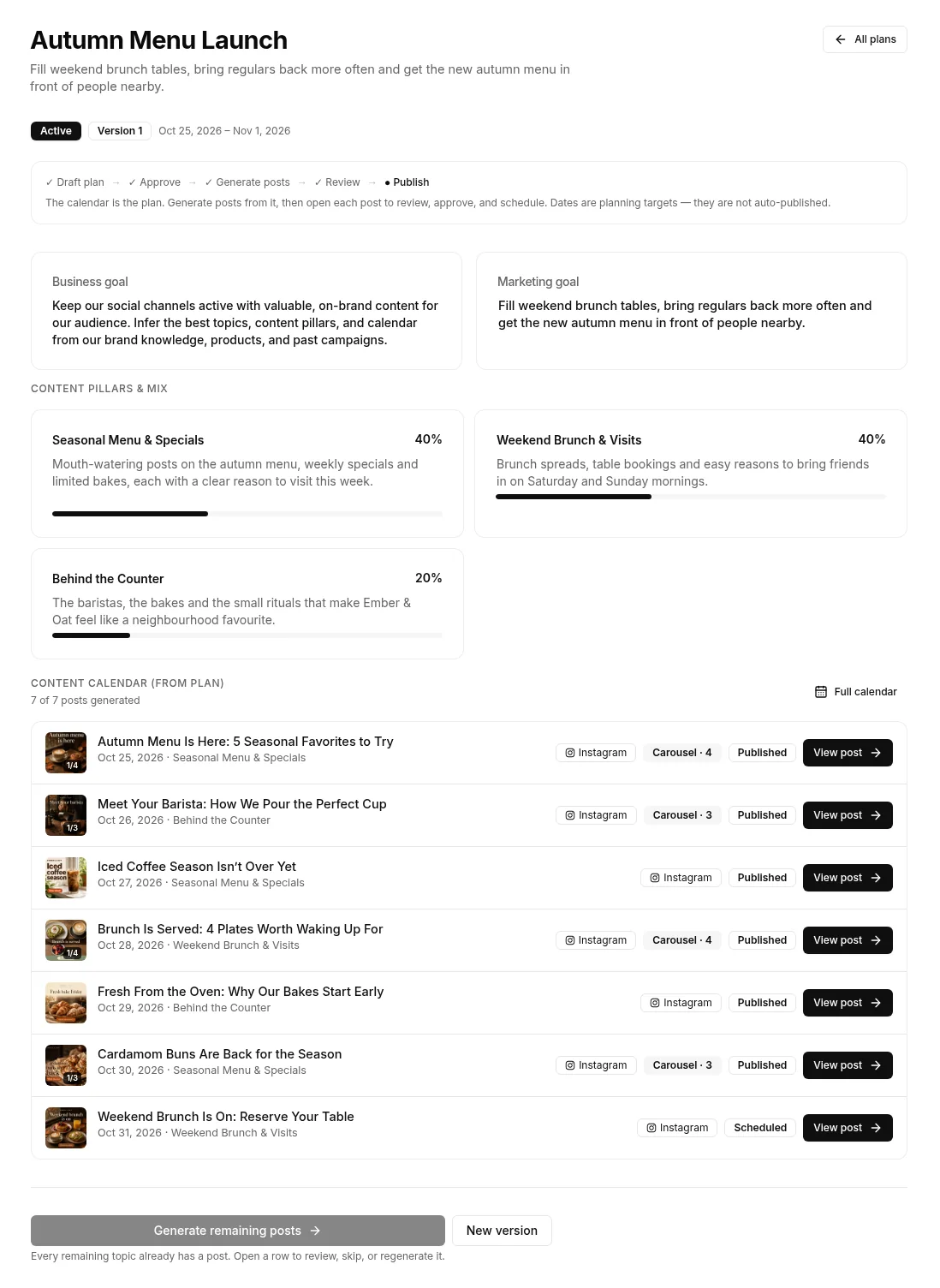
A business goal and a marketing goal.
Written from what you asked for and your Knowledge, like “fill weekend brunch tables and get the new autumn menu in front of people nearby.”
The themes, and how much of each.
Each pillar has a short brief and a share of the plan, for example 40% seasonal menu, 40% weekend brunch, 20% behind the counter.
Every post, dated and linked.
Each row shows the date, the pillar, the platform and the format, with View post to open it. Full calendar takes you to the month view.
Change the plan without losing it.
Start a new version when the goal shifts. The plan shows which version you are on.
Know where things stand.
The plan is Active, waiting for approval or Completed, and a progress line runs from draft plan to approve, generate posts, review and publish. Each post shows Published or Scheduled.
From the list to the plan.
A sample café’s Autumn Menu Launch: its goals, main topics and posts.
Same planner. Different rhythm.
For one push.
A launch, an offer, a single week. You write the goal; it runs for the window you picked, then completes.
For every week after.
The always-on side of the AI social media automation platform. When a 7, 14 or 30-day window ends, the next plan starts. Plans you asked to review wait here on Campaigns. →
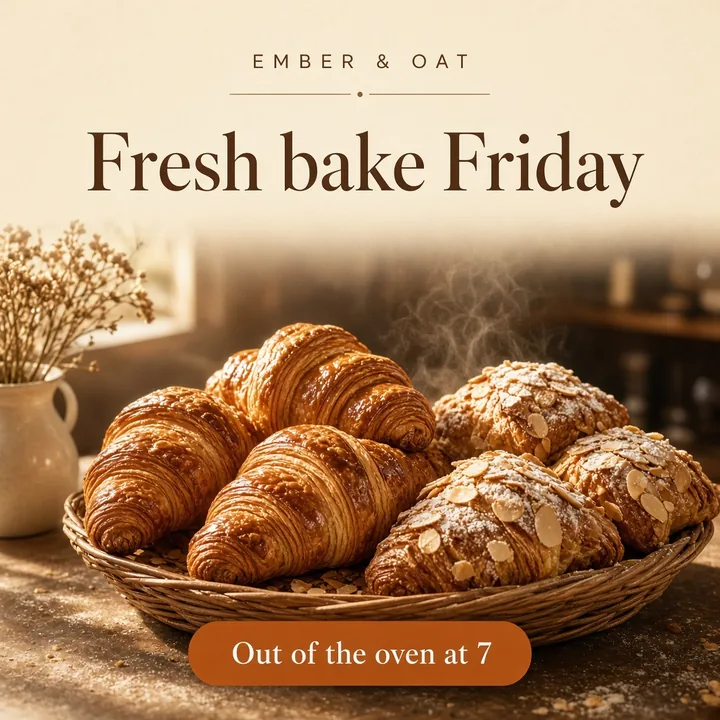
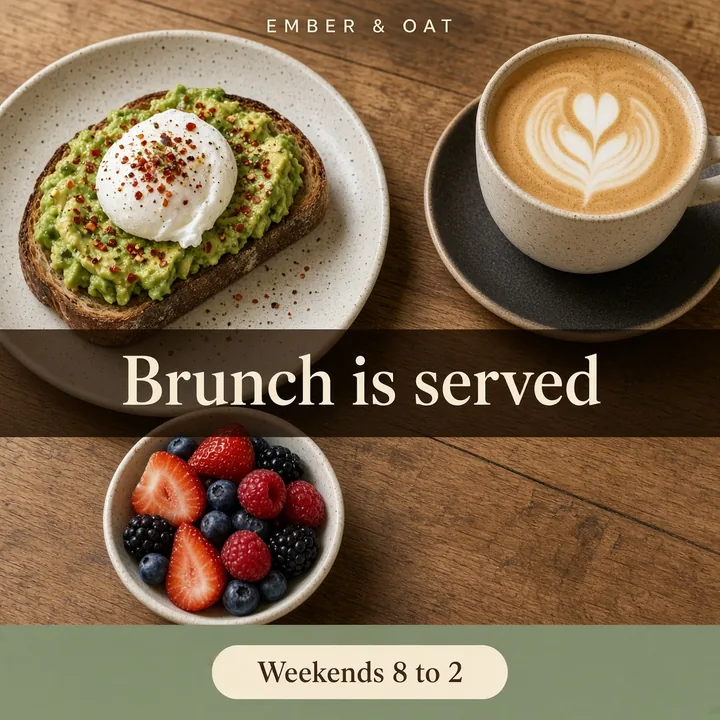
One brief, a week of posts.
A sample café week planned from one campaign goal: new bakes, seasonal drinks and weekend brunch.


Questions, answered straight.
How long can a campaign run?
From 7 to 120 days. For always-on posting, use Autopilot instead; it keeps starting new windows.
Can I change the plan?
Yes. Skip any row you don’t want, or open a planned slot in Studio and make that post by hand.
What is the confidence score on a campaign?
It shows how sure TheViralMarketing is about the plan. It isn’t a promise about results.
Where do the finished posts go?
Into Queue and Approvals, and onto the Calendar as colored chips for the same days.
How teams use campaigns: online stores for launches and sales, SaaS teams for feature releases, and agencies for client pushes. Planning by hand first? Read how to plan a month of posts.
Got a launch? Plan it now.
Type the goal. Read the plan. Approve.
14 days free · no credit card