
Templates
Branded social media templates, with your color and logo on every post.
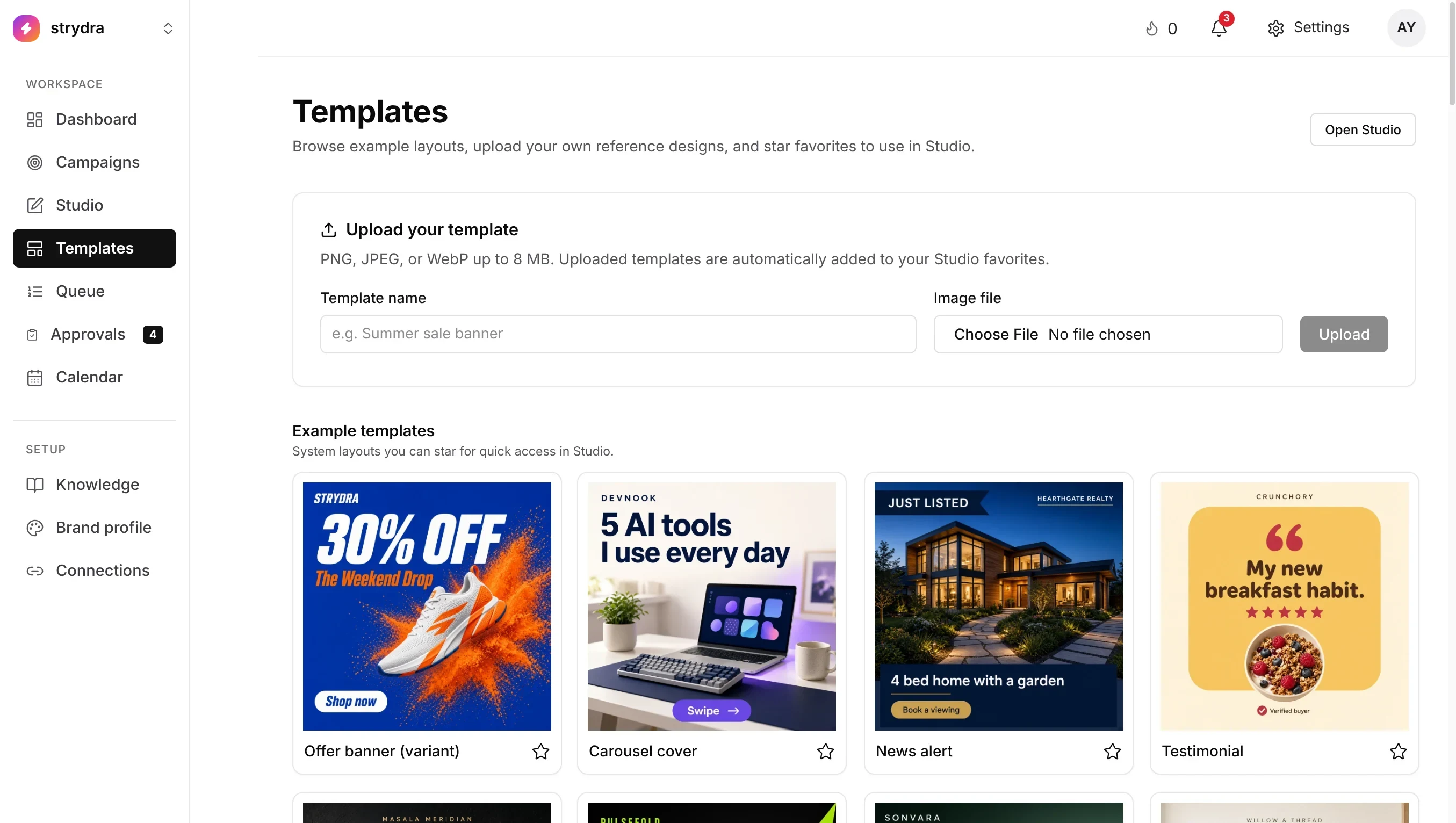
Templates are how TheViralMarketing keeps every post on-brand. They are the frames, and your brand color and logo from the Brand profile sit on top. Start with the included library, then upload as many of your own layouts as you like, on every plan.
- Library
- Included starter layouts
- Uploads
- Unlimited, on every plan
- Brand kit
- Primary color + logo




Layouts, brand kit, AI images.
A starter library.
Ready layouts for launches, education posts and simple proof.
Unlimited uploads.
Bring the designs you already use. Star the ones you reach for most.
Color and logo on top.
Every generated image picks up your primary color and logo, so the feed stops drifting.
Consistency you can see across a feed.
A sample fitness studio: the same colors and fonts on every post.




From layout to live post.
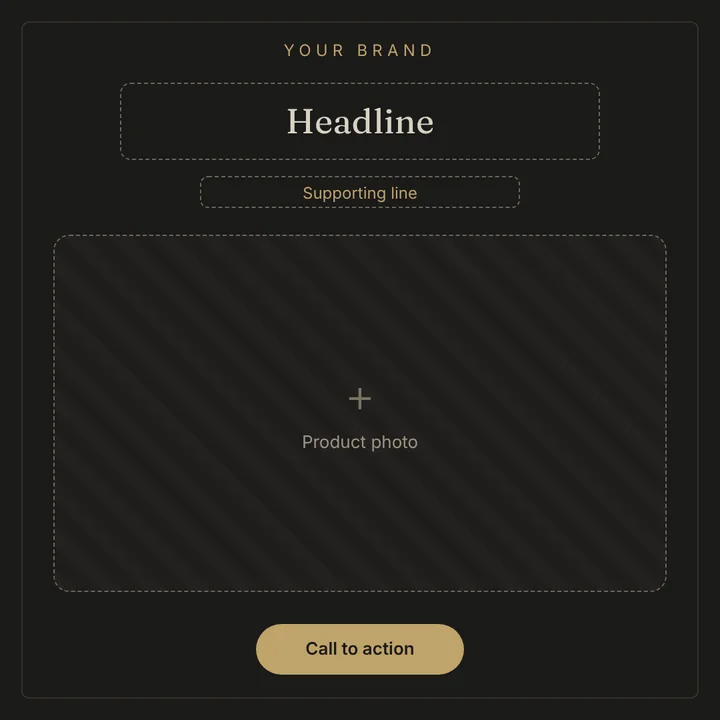
A plain layout on one side, a sample finished post on the other.

Five tips for a layout that lasts.
- Leave clear space for the headline. AI images need room for text.
- Use one or two layouts for most posts. A steady look builds recognition.
- Keep your logo small and in the same corner every time.
- Test a layout on a real post before you rely on it. Check it on a phone screen.
- Make a carousel layout too, so multi-image posts look like one set.
Questions, answered straight.
How many templates can I upload?
As many as you want, on every plan. There is no cap on your own library.
Where does my brand color come from?
From the brand color and logo in your Brand profile. New images use that color.
Can I control carousel length?
Yes. Settings → Content sets the maximum carousel pages, from 2 up to your plan’s limit.
Do I have to use templates?
No. Default layouts work fine. Upload your own when the included set doesn’t feel like you.
Are templates on every plan?
Yes. The included library and unlimited uploads are on Starter, Pro and Agency.
Make the feed look like you.
Upload a layout, set your color, generate a week.
14 days free · no credit card